Choose the planner for the walk you want
A walking route planner can mean three different things. Choose your method before choosing the map.
- Walk to a destination: use walking directions in Google Maps. Choose where you are going, then compare the distance and estimated time.
- Draw your own circular walk: choose stops and make your starting point the final stop. Check the whole route, since the suggested return may follow the same streets.
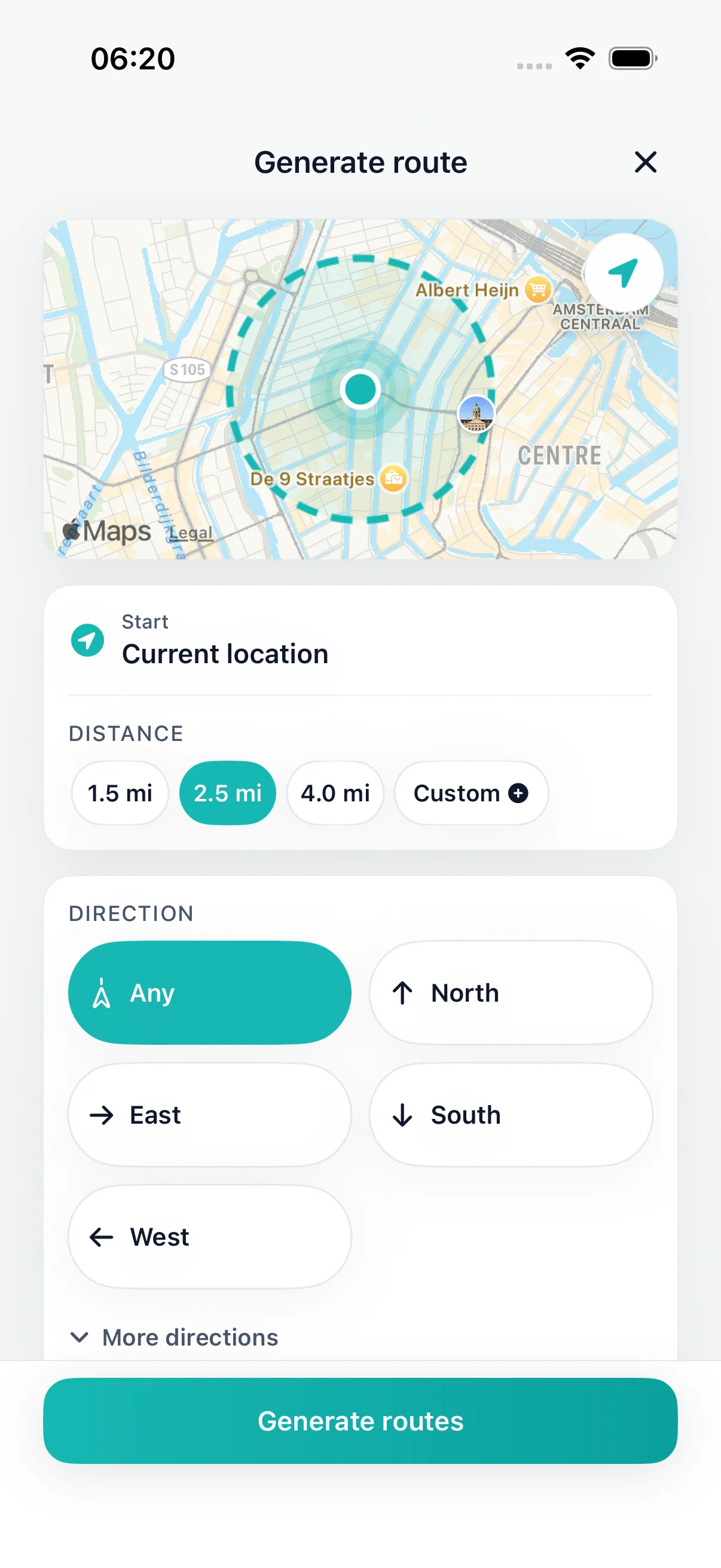
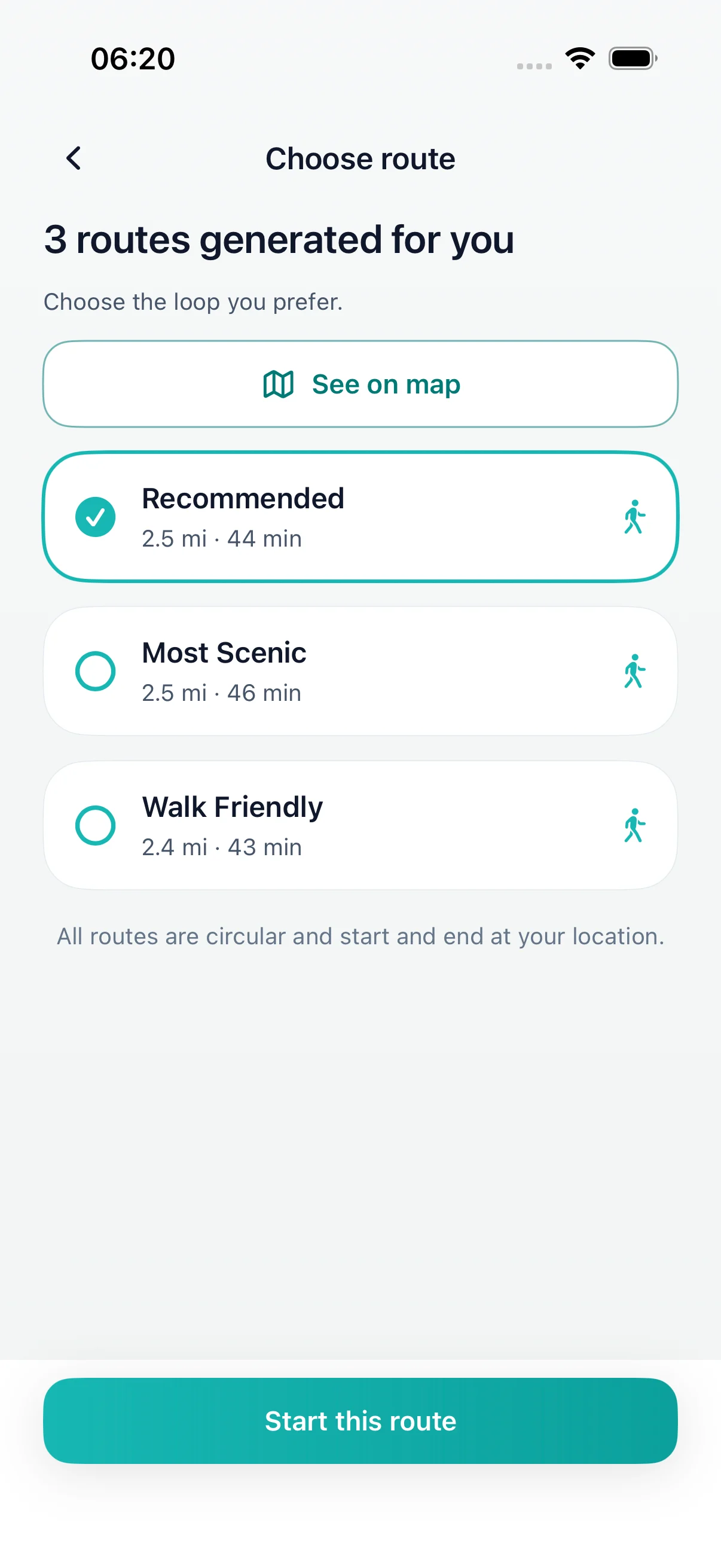
- Generate a circular walk by distance or time: set miles or minutes in DailyWander on iPhone, then review the proposed route. Comparing three variants requires Premium.
For a named countryside walk, start with the route provider’s current description and access information. DailyWander generates a new loop; it does not supply a catalogue of inspected trails, dog-friendly routes or confirmed public rights of way.
Want to choose your own stops? The Google Maps walking-route guide explains the method. Want a route generated for you? See how the loop planner works.