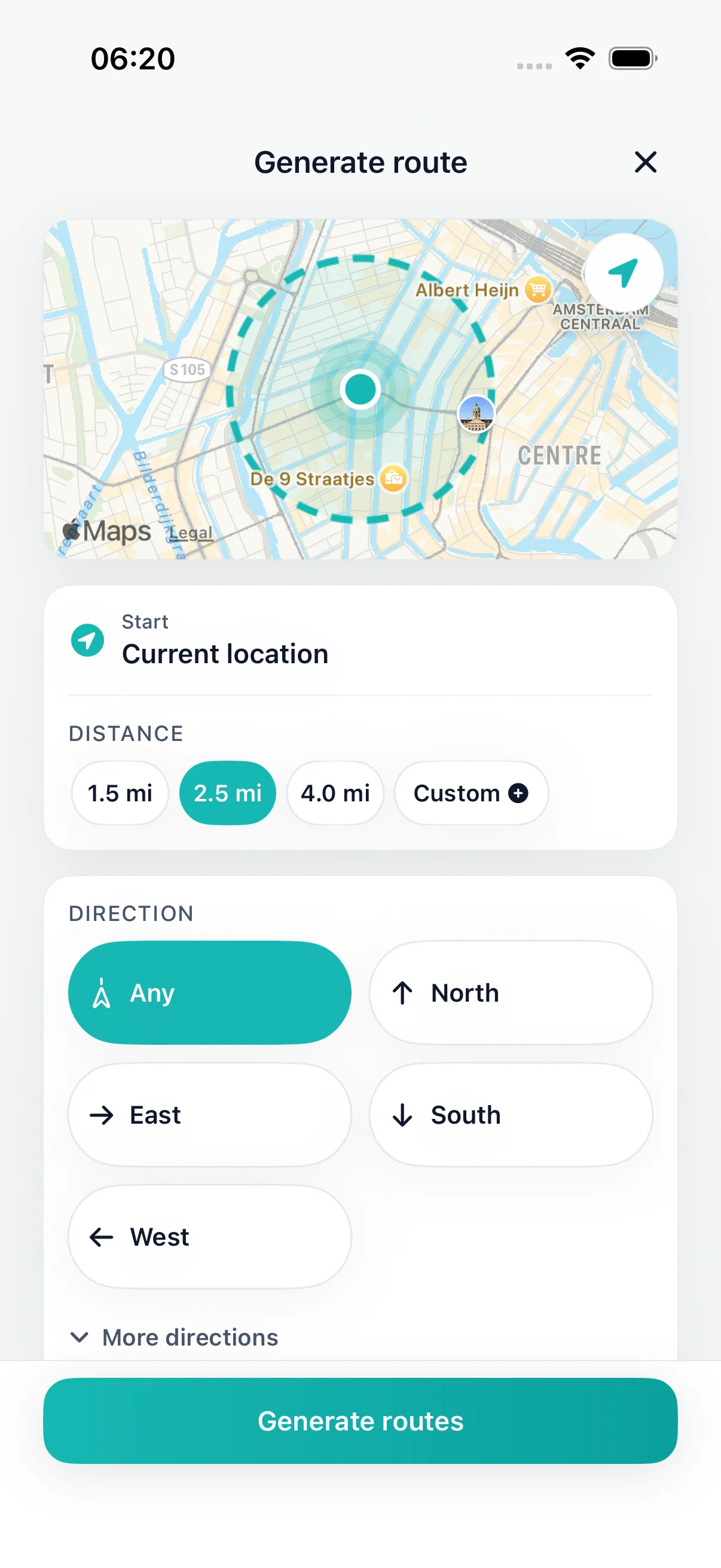
Set distance
Loops from your current location
Dog walks near me
Same street, same corner, every day? Choose how far or how long you want to walk, and DailyWander generates several circular routes from where you are. Compare them on the map, pick one, and finish back near home.
DailyWander
Loops from your current location
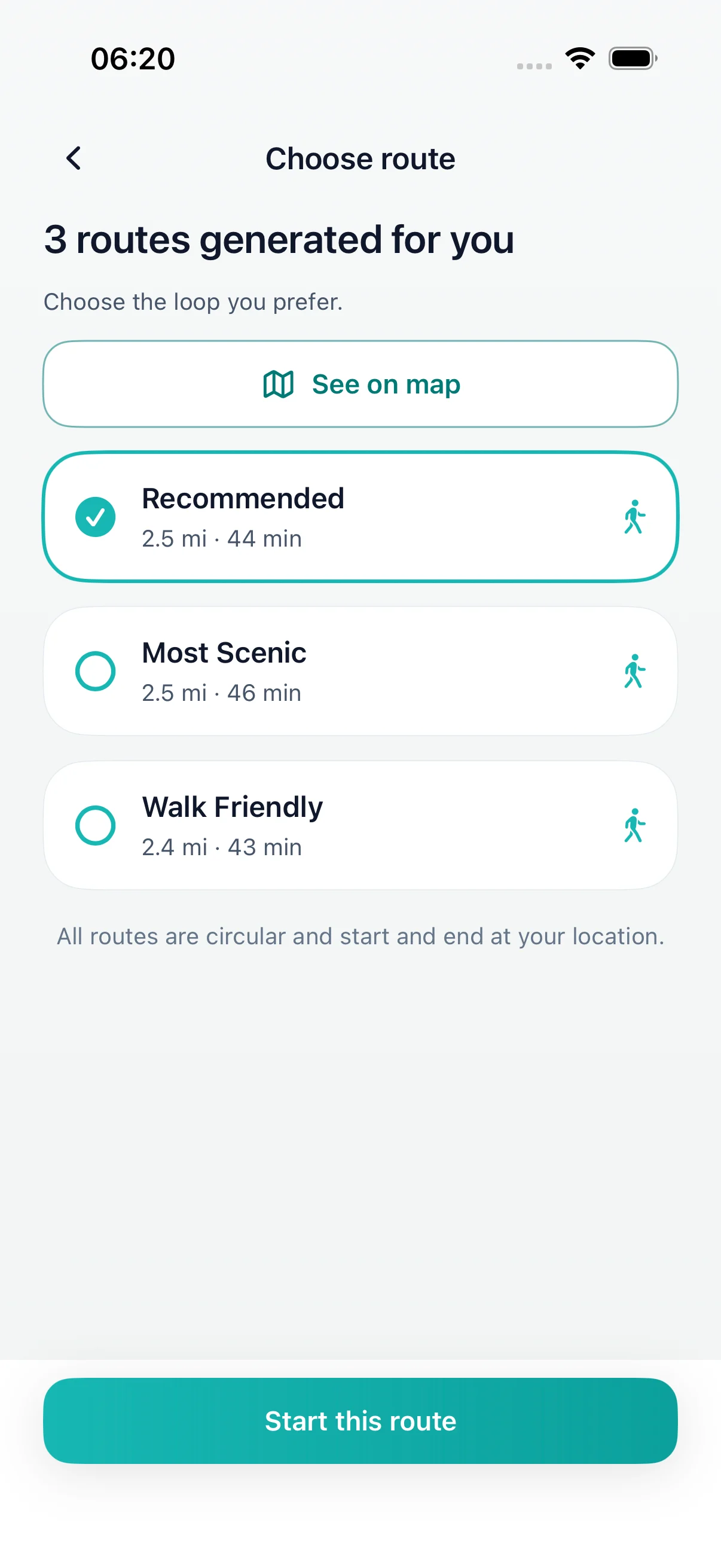
Choose distance or time
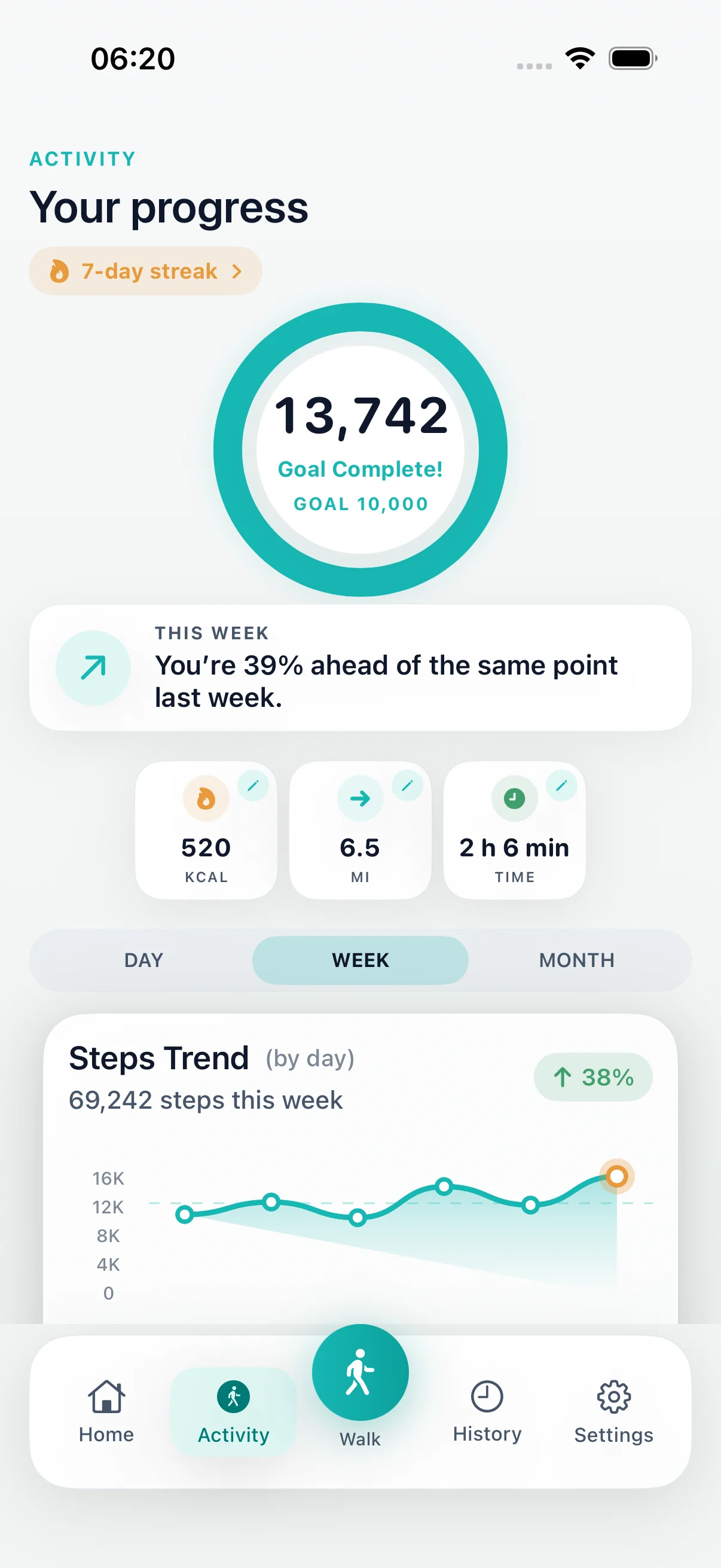
Save the routes you like
DailyWander
Bored of the same dog walk? Choose a distance or time and DailyWander creates circular walking routes from your location on iPhone, back near your front door.
A new route for the daily walk
Daily dog walks easily shrink to the same few streets. DailyWander gives you several circular options for the same distance, so you can try somewhere new without planning every turn.
Not keen on the options? Generate a different set. When you find a loop you both like, save it and walk it again another day.
Before you head out
DailyWander plans general walking routes. It does not know whether dogs are allowed in a park, where the off-lead areas are, or local lead and access rules. Follow signs and your local council's guidance.
On hot days pavements can get too hot for paws. Walk at cooler times and match the distance to your dog's age and fitness.
After the walk
Follow the route on your iPhone, then see distance and time in your walk history. Connecting Apple Health is optional.
DailyWander is free to download on the App Store for iPhone. Premium is optional.
Explore
FAQ
It creates walking loops from your current location based on the distance or time you choose. It does not list dog-specific trails or check whether dogs are allowed.
Yes. You can compare several options for the same distance and generate new ones. Save any loop you want to repeat.
Yes. You can choose miles or kilometres.
DailyWander is free to download on the App Store. Premium is optional.