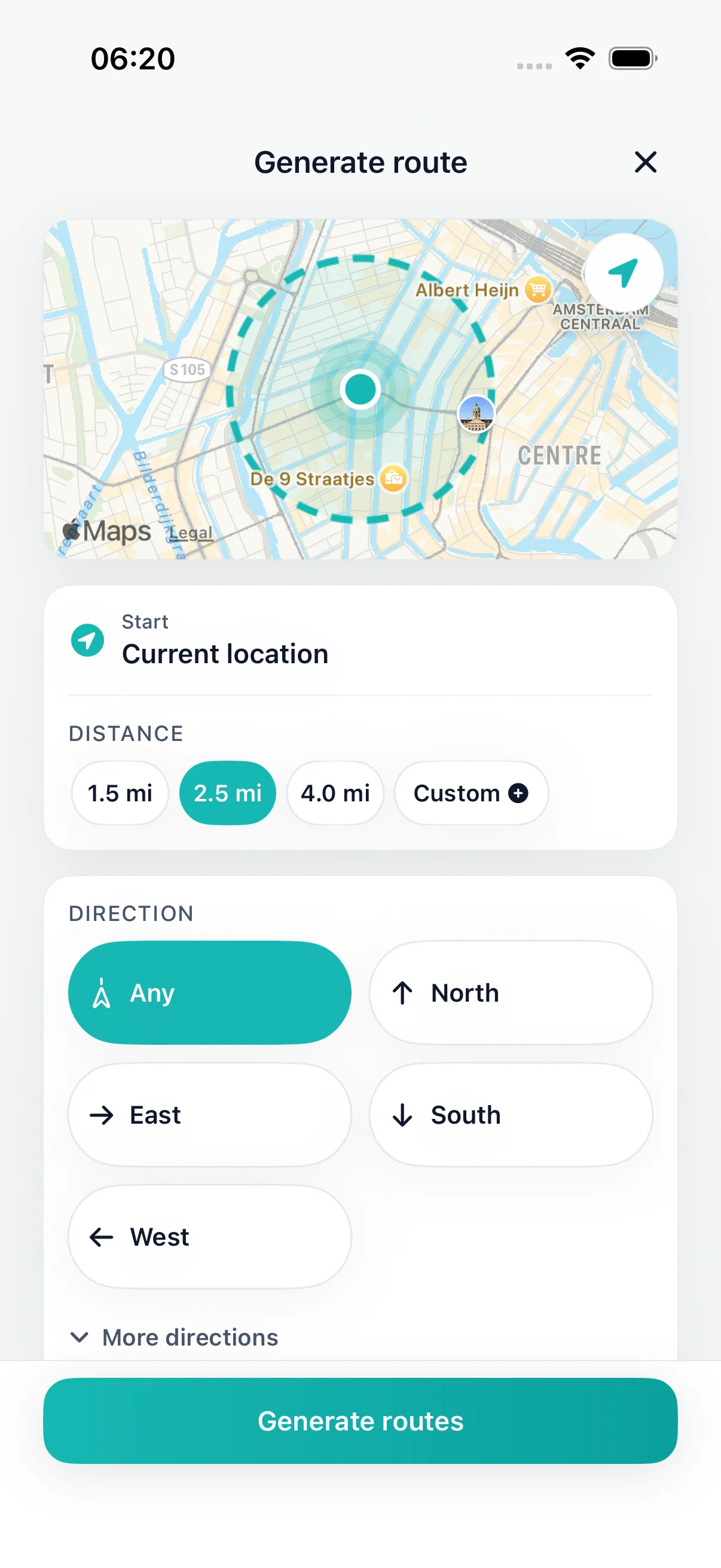
Choose distance
Choose a distance or time window that fits today.
Walking route planner
Choose a distance, direction, or time window on iPhone. DailyWander generates loop options, shows each route on a map, and brings the walk back near where it started.
Inside the app
Choose a distance or time window that fits today.
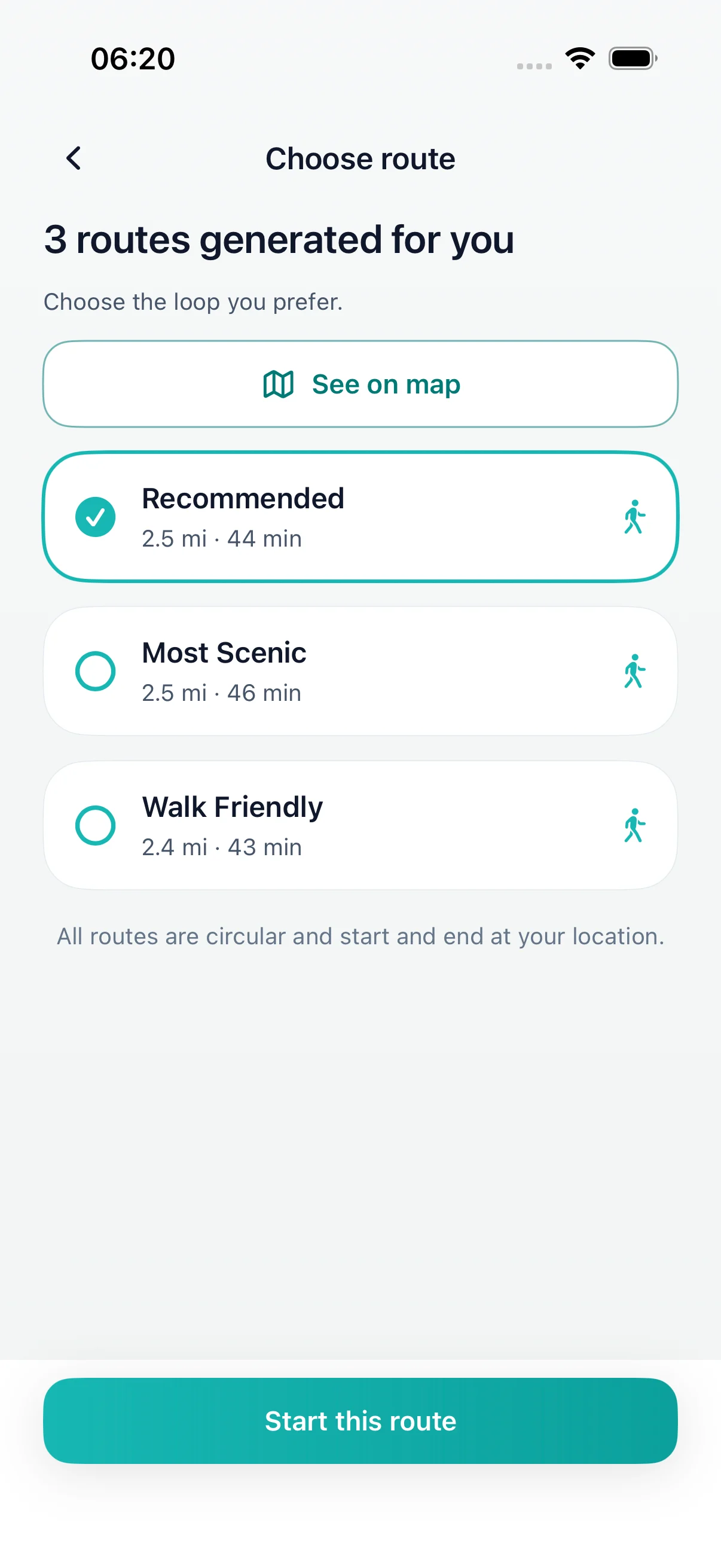
Generate and compare loop route options before you leave.
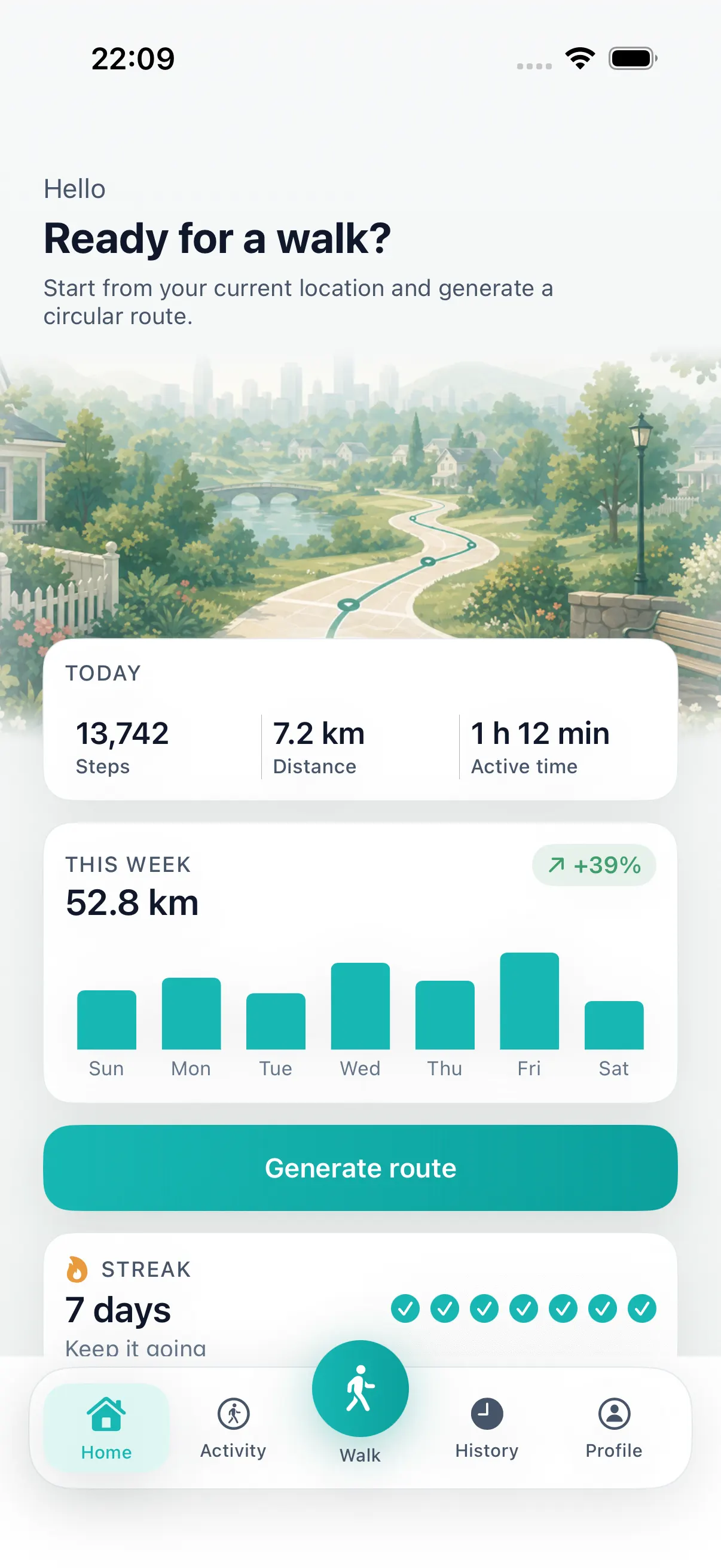
Starts near your current location
DailyWander
Generate round-trip walking routes from your location on iPhone. Choose distance or time, compare loop maps, follow directions and save completed walks.
Walking route planner
Choose a distance, direction, or time window on iPhone. DailyWander generates loop options, shows each route on a map, and brings the walk back near where it started.
Choose a distance or time window that fits today.
Generate and compare loop route options before you leave.
Use walk history to avoid the same route every time.
Install DailyWander
Open the App Store link on iPhone, or scan the QR code from another device. DailyWander is free to download, with optional Premium.
Open DailyWander on the App Store
Map a walking route
DailyWander is an iPhone walk planner for people who know roughly how far or how long they want to walk but do not want to select every road. It uses your current location to generate several round-trip route options.
Preview the map, distance and estimated time before choosing. The final distance can differ from the target because available streets, paths and crossings shape each route. For a time-first plan, use the walking route planner by time or create a 30-minute walking route.
Still choosing the setting? Compare the best places to walk near you. If you are walking in Britain, open the walking route planner for the UK for local context.
Choose the right planning workflow
The phrase “walking route planner” can mean several different jobs. Choosing the right workflow avoids installing an app that solves a different problem.
Use DailyWander when you want an everyday loop from your current location based on distance, time, or direction.
Use a destination map when you already know where you are going and need the fastest or clearest route there.
Use a drag-and-drop map editor when you need to choose every road, waypoint, or trail yourself. DailyWander generates options automatically.
Use an official trail source when you need a named hike, access rules, closures, or terrain-specific safety information.
If you searched for the Strolly walking-route app, read the Strolly versus DailyWander comparison before choosing.
Use DailyWander when you also want completed walks, distance, time and optional Apple Health sync kept in the same iPhone workflow.
Walking route planners by country
Choose a country guide for local route-planning context, then use DailyWander to generate a circular walk from your current location.
Create loop walks from your current location across US cities, suburbs, parks, and travel bases.
Walking route planner UKGenerate circular walks for UK streets, parks, neighbourhoods, and lighter everyday routes.
Circular walks near mePlan an easy loop that starts and finishes at your door.
Walking route planner CanadaPlan loop walks around Canadian cities, waterfronts, parks, and neighbourhoods.
Walking route planner AustraliaCreate round-trip walks around Australian cities, suburbs, parks, and travel bases.
Walking route planner LuxembourgGenerate practical loops around Luxembourg City, hotels, commutes, and local neighbourhoods.
Walking route planner GhanaCreate cautious loop options around suitable mapped streets, parks, and travel bases in Ghana.
Walking route planner South AfricaGenerate everyday loop options and review local conditions before starting.
Before you download
DailyWander explains the permissions and limitations behind the walking experience, so you can decide with confidence before opening the App Store.
Browse the DailyWander Help CentreExplore
Compare two iPhone apps for generated daily loop walks.
Walking route planner by timeChoose the time window first, then generate a loop that fits.
30 minute walk route plannerGenerate a short loop walk when you have about 30 minutes.
45 minute walk route plannerGenerate a longer everyday loop when you have about 45 minutes.
DailyWander vs Google MapsCompare destination navigation with distance-first loop walk generation.
Walking routes near me appGenerate nearby route options from your current location.
Walking route generatorChoose a distance and generate route options automatically.
Circular walking route plannerCreate a walking route that starts near you and loops back near the same place.
Self-guided walking tour of AmsterdamFollow a free route from Centraal Station with a phone map, then compare seven official themed walks.
Loop walking route plannerDailyWander builds practical walking loops: pick the distance, check the options, then start from your current location.
Free walking app for iPhoneDownload DailyWander free, choose a distance or time, and generate a loop from your current location. Track distance and steps, then review the completed route in your walk history.
FAQ
A walking route planner helps you choose where to walk before you leave. DailyWander generates round-trip route options from your current location on iPhone based on distance, time, or direction.
DailyWander is free to download and can generate walking routes. Optional Premium adds extra features.
DailyWander does not use a browser-based drag-and-drop map editor. It automatically generates several loop routes, then lets you compare the maps before choosing one.
Yes. Choose a target distance, a time window, or a preferred direction and DailyWander generates suitable loop options around your current location.
Yes. After you select a generated route, DailyWander can guide you along it and record the completed walk.
Location access is needed to generate routes from where you are and to guide or record a walk. You control location permission in iOS settings.
Both focus on generated walking routes. DailyWander emphasizes configurable loop options, route history, and optional Apple Health sync; see the full comparison for current differences.
The browser calculator estimates numbers. To create a circular walking route and review its map, open DailyWander on iPhone and choose your distance or available time. Your calculator entries are not transferred automatically.
For directions to a particular destination, use pedestrian directions in a mapping app. DailyWander is designed to suggest circular walks that return near your starting point. Review the route and local access conditions before setting off.
Product help
These maintained guides explain the route, location, Health, battery, GPS, and streak behavior behind DailyWander.
Use the walking route planner guide for Ireland to choose a circular walk from your current location and review the return point.
 Plan a walk from hereFree download · Premium optional
Get
Plan a walk from hereFree download · Premium optional
Get