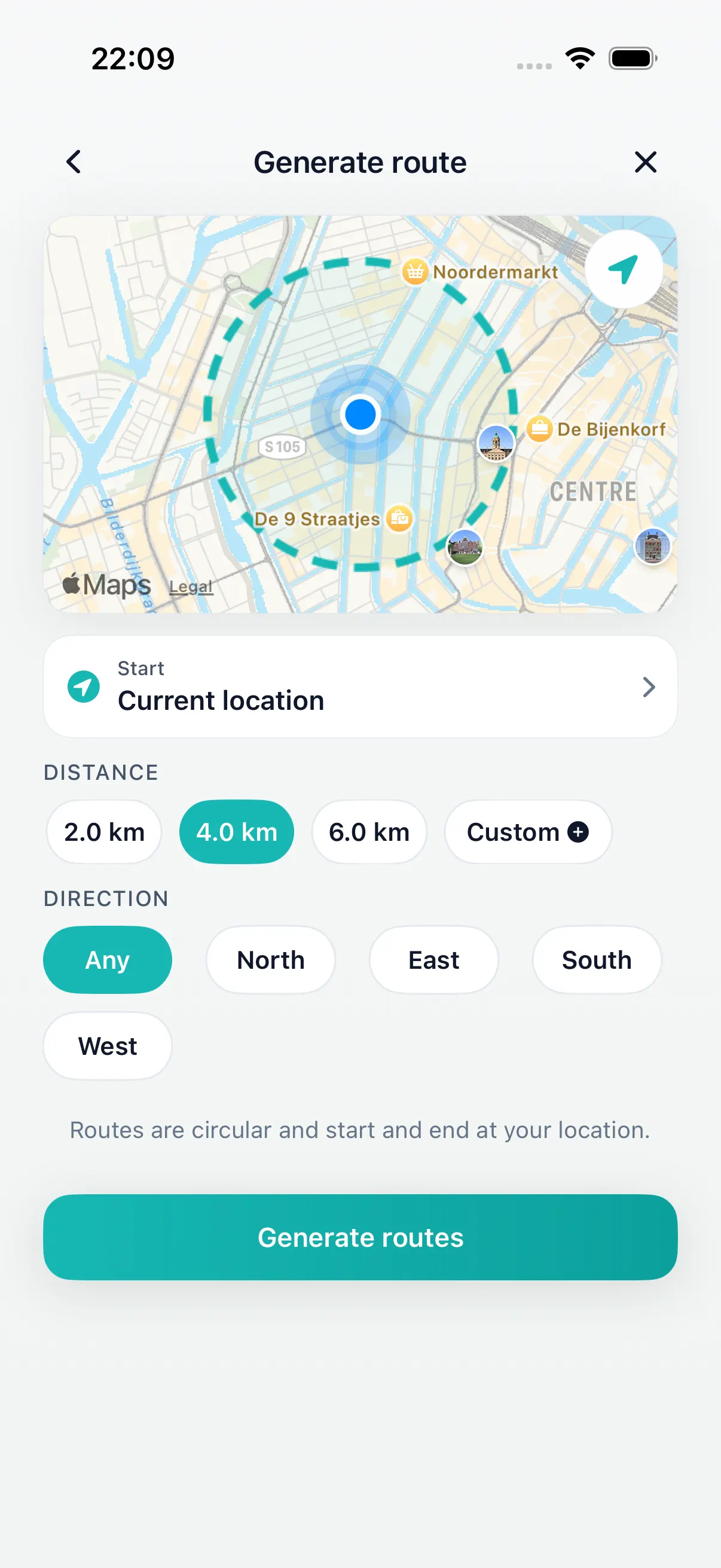
Choose a short distance
Pick a route length that fits the 30 minute window you have today.
30 minute walk route planner
DailyWander helps you turn a short window of time into a practical loop walk on iPhone. Choose a distance that fits about 30 minutes, compare route options, and start from your current location.
Lunch breaks, after-dinner walks, and quick resets.
A distance that usually fits about 30 minutes.
The same place, without manually drawing a route.
How it works
Pick a route length that fits the 30 minute window you have today.
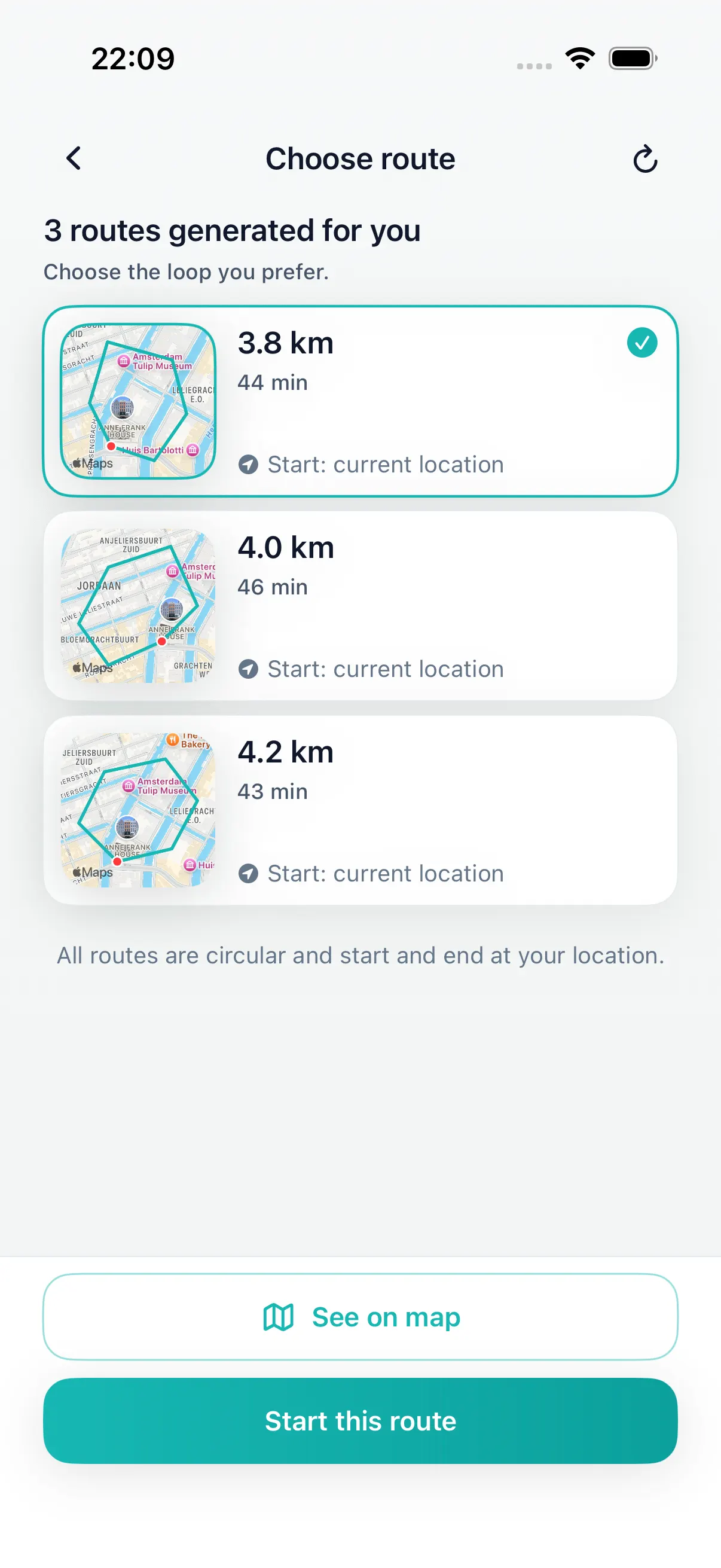
Pick the loop that feels practical before you leave.
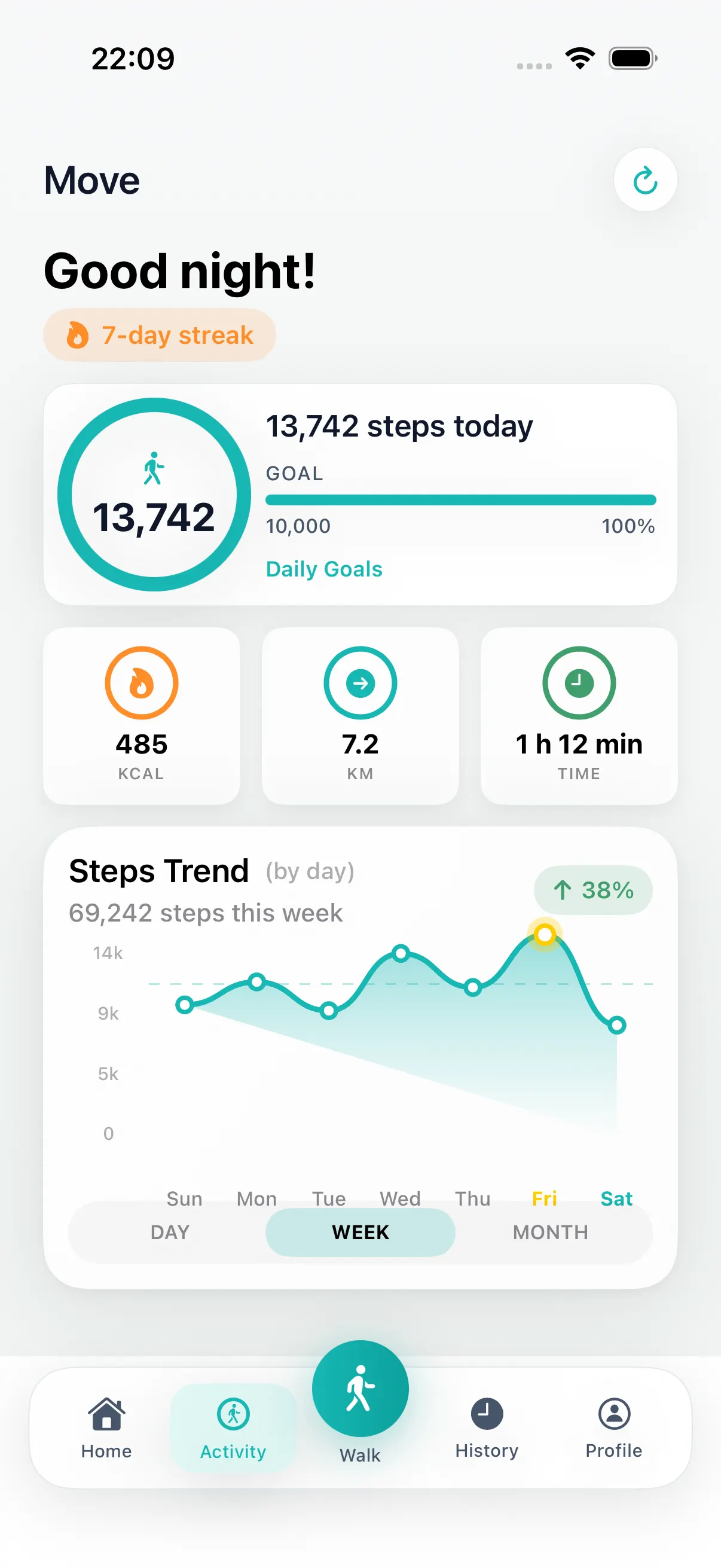
Finish near the start and keep the completed walk in your history.
A practical 30-minute loop
When you only have 30 minutes, a destination-first map can be too much setup. DailyWander starts from your current location and helps you choose a loop that fits the time you have.
Route timing depends on your pace, waiting at crossings, terrain, and conditions. DailyWander helps you pick and compare a practical route; it does not promise an exact finishing time.
Good moments
The point is not a perfect athletic plan. It is removing the route decision so a normal walk can happen before the window closes.
Choose a nearby loop before the break disappears.
Get a simple route that comes back near home.
Generate a practical walk without local route knowledge.
Free to start
DailyWander is free to download. Premium gives frequent walkers more variants, shuffle, direction preference, and deeper history tools.
Install DailyWander
Open the App Store link on iPhone, or scan the QR code from another device. DailyWander is free to download, with optional Premium.
Open DailyWander on the App Store
Explore
Choose the time window first, then generate a loop that fits.
45 minute walk route plannerGenerate a longer everyday loop when you have about 45 minutes.
Lunch break walk route plannerGenerate a short loop that fits a workday break.
After-dinner walk route plannerGenerate an evening loop that returns near where you started.
Daily walking appPlan the walk, save progress, and make the habit easier to repeat.
Walking route planner for iPhonePlan walking routes on iPhone without drawing every turn.
Loop walk generatorGenerate a round trip from your current location.
Walking routes near me appFind route options near you by starting from your current location.
Walking route generatorGenerate walking route options when you know the distance.
Circular walking route plannerCreate a route that starts near you and loops back near the same place.
DailyWander vs Google MapsCompare destination navigation with distance-first loop walk generation.
Apple Health walking appPlan walks and sync completed activity when you allow it.
FAQ
Yes. Use DailyWander on iPhone to choose a distance that fits about 30 minutes, generate loop route options from your current location, and start walking.
Yes. DailyWander creates walking route options from your current location when location access is allowed on iPhone.
DailyWander focuses on loop walks, so generated routes are designed to finish near where you started.
No. DailyWander helps with walking route planning and habit tracking. It does not provide medical advice or guarantee health outcomes.
At the example pace of 4.8 km/h, 30 minutes covers about 1.5 miles (2.4 km). With a step length of 76.2 cm, that is roughly 3,150 steps before stops. These are calculation assumptions, not a promise about your walk.
Use your own pace and measured step length in the time, distance and steps calculator. If you are working toward a goal you already chose, read how to turn the remaining steps into a route. Leave room for crossings and the return.