How to track walks with Apple Health on iPhone
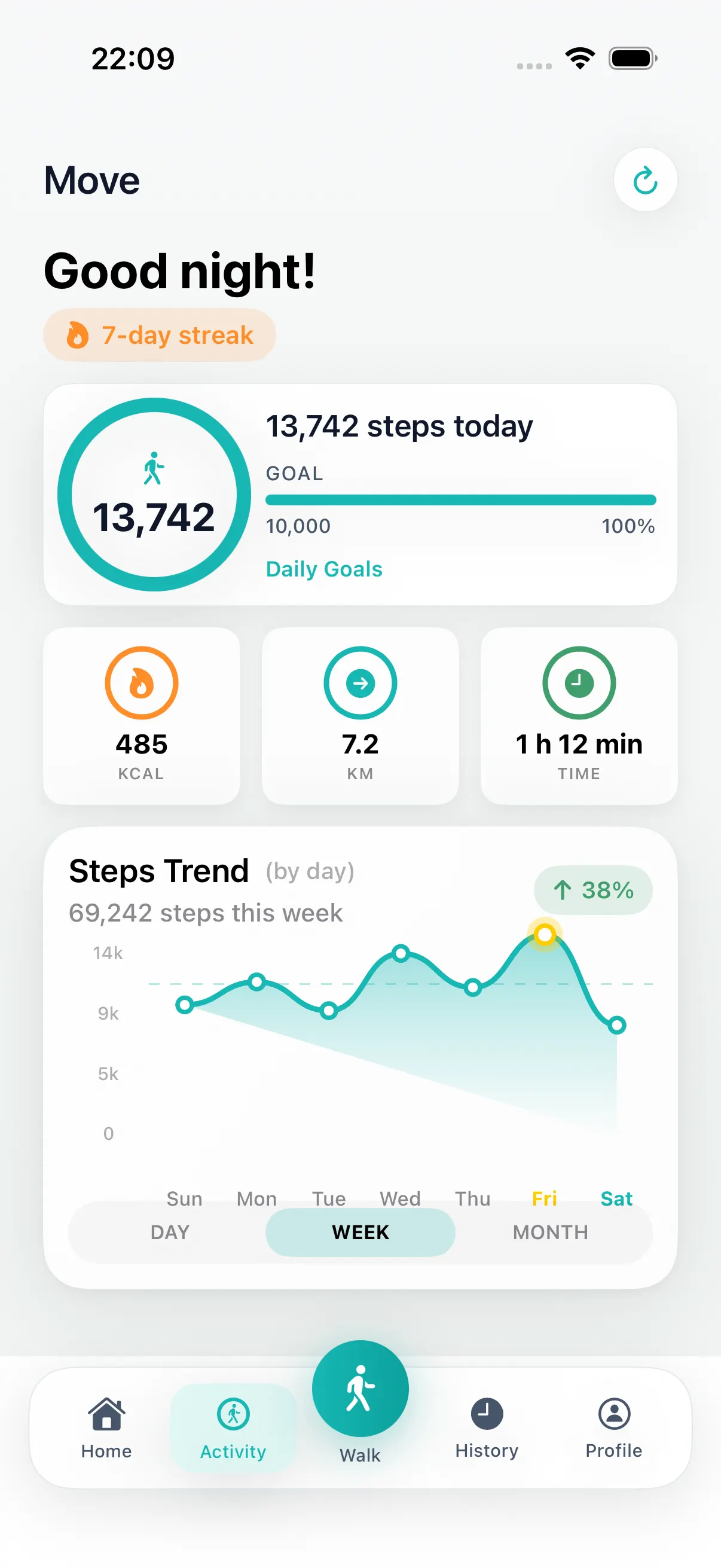
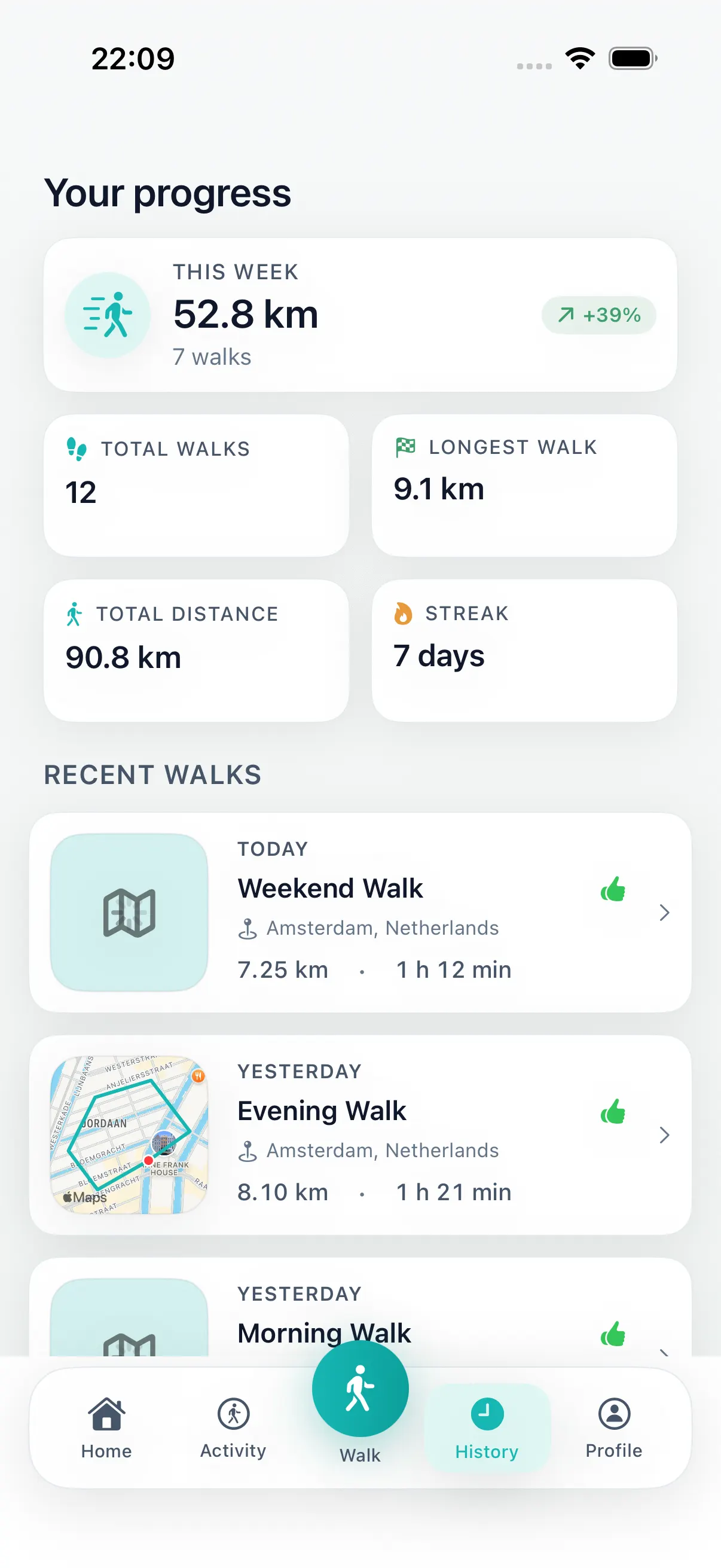
A walking app is more useful when the route and the activity record stay connected. DailyWander helps before the walk by generating a loop route from your current location, then helps afterward by saving distance, time, steps, streaks, and history on iPhone.
Apple Health sync is the optional bridge. When you allow Health permissions, completed walking activity can stay aligned with the iPhone systems you already use. If you do not allow it, DailyWander still works as a route planner, walking streak, and walk history app.
How to connect DailyWander to Apple Health
Health access is optional and can be enabled from inside DailyWander when you want completed walks included in Apple Health.
-
01
Open DailyWander Settings
Expand the Apple Health integration card to see its current access status.
-
02
Request Health access
Choose the Health categories you want to allow. Apple and iOS control the permission screen.
-
03
Complete a walk
After you finish a recorded walk, DailyWander can save it as an outdoor walking workout with distance and available route data.
How to see your walking route in Apple Health
After finishing and saving the walk in DailyWander, open the Fitness app on iPhone, go to Summary, open Sessions, and select the corresponding outdoor walking workout. Apple documents Sessions as the place to review completed workouts and their available details.
When DailyWander recorded a GPS trace and you allowed the required Health permissions, iOS can attach route data to that workout. The exact route presentation can vary by iOS version and available data. If no map appears, confirm the walk has a complete route in DailyWander History and review Apple Health permissions before recording a new test walk.
What DailyWander can sync with Apple Health
A completed DailyWander walk can be saved as an outdoor walking workout with its start time, end time, and duration.
The distance recorded during the walk can be included with the workout.
When a recorded GPS trace is available and you grant access, it can be attached to the workout route in Apple Health.
DailyWander can read permitted activity metrics such as steps, active energy, exercise minutes, and heart-rate summaries for its activity views.
Use Health as proof, not as the starting point
Many Apple Health walking searches start after the user already knows they want a record of the walk. The missed step is often earlier: choosing a route that is easy enough to start from where they are.
DailyWander keeps the route decision small. Pick a distance, compare loop route options, walk the one that fits, then let the completed walk support Apple Health, streaks, and weekly progress when permissions allow it.
The privacy posture in plain language
Health data access is controlled by Apple Health and iOS permission settings.
DailyWander stores walk history and saved routes on your device and can sync supported records through your private iCloud database.
The app helps with route planning and walking habits. It does not diagnose, treat, or guarantee health outcomes.
Questions can go to support@dailywander.app, and the public privacy policy explains the current data posture.
What to check in Apple Health and iOS
The practical control lives on your iPhone. If you allow Health access, iOS decides what an app can read or write through Health permissions. If you later change your mind, review those permissions in the Health app or iOS settings rather than assuming a walking app owns the data forever.
That matters because walking data can feel personal even when it looks ordinary. A route history can reveal routines, preferred times, and familiar neighborhoods. DailyWander's public privacy posture is intentionally conservative: walk history and saved routes are stored on your device and can sync through your private iCloud database, and support is reachable if you have questions.
A sensible walking app should make this easy to explain. Route planning needs location while you use it, activity tracking needs permission, and Health sync needs explicit Health access. Those permissions should map to features the user can understand.
What Health sync should not imply
- It should not imply medical advice or guaranteed health outcomes.
- It should not hide the fact that iOS permissions control access.
- It should not turn a route planner into a data collection product.
- It should make completed walks easier to review, not harder to trust.
Why route planning still matters
Many people searching for an Apple Health walking app already have a place to count steps. The missing step is often the route: where should I walk from here, how far should it be, and will I end near the start?
DailyWander keeps that workflow practical. First create a walk, then track what happened, then review enough history and streak progress to make the next walk easier.
Health data can show proof, but the route still has to be easy enough to begin. For DailyWander, Apple Health supports the walking loop rather than replacing it.
FAQ
Apple Health walking app questions
How do I see my walking route in the Apple Health app?
Finish and save the walk, then open Fitness on iPhone, go to Summary, open Sessions, and select the outdoor walking workout. A route can appear when GPS route data was recorded and the required Health permissions were granted.
Does DailyWander sync walks with Apple Health?
Yes. When you grant Health access, DailyWander can save a completed walk as an outdoor walking workout in Apple Health.
What does DailyWander save to Apple Health?
A completed workout can include its timing, walking distance, and recorded route data when that data is available and permitted.
Does DailyWander need an Apple Watch?
No. DailyWander is an iPhone walking app. An Apple Watch is not required to plan, record, or save a walk from the iPhone.
Can I use DailyWander without Apple Health?
Yes. Health access is optional. Route planning, walk recording, history, and streak features can still work without Health permission.
How do I change Apple Health permissions?
Open the Health app or iOS settings and review DailyWander's Health access. You decide which categories the app may read or write.
DailyWander
Plan the next walk from where you are.
Download the iPhone app, generate a circular route, and choose the variant that fits today's walk.