What does a walking route planner app do?
A walking route planner app turns the distance or time you have into a route you can start near your current location. For a circular walk, the useful result is a loop that finishes close to where it began rather than an A-to-B route to a destination.
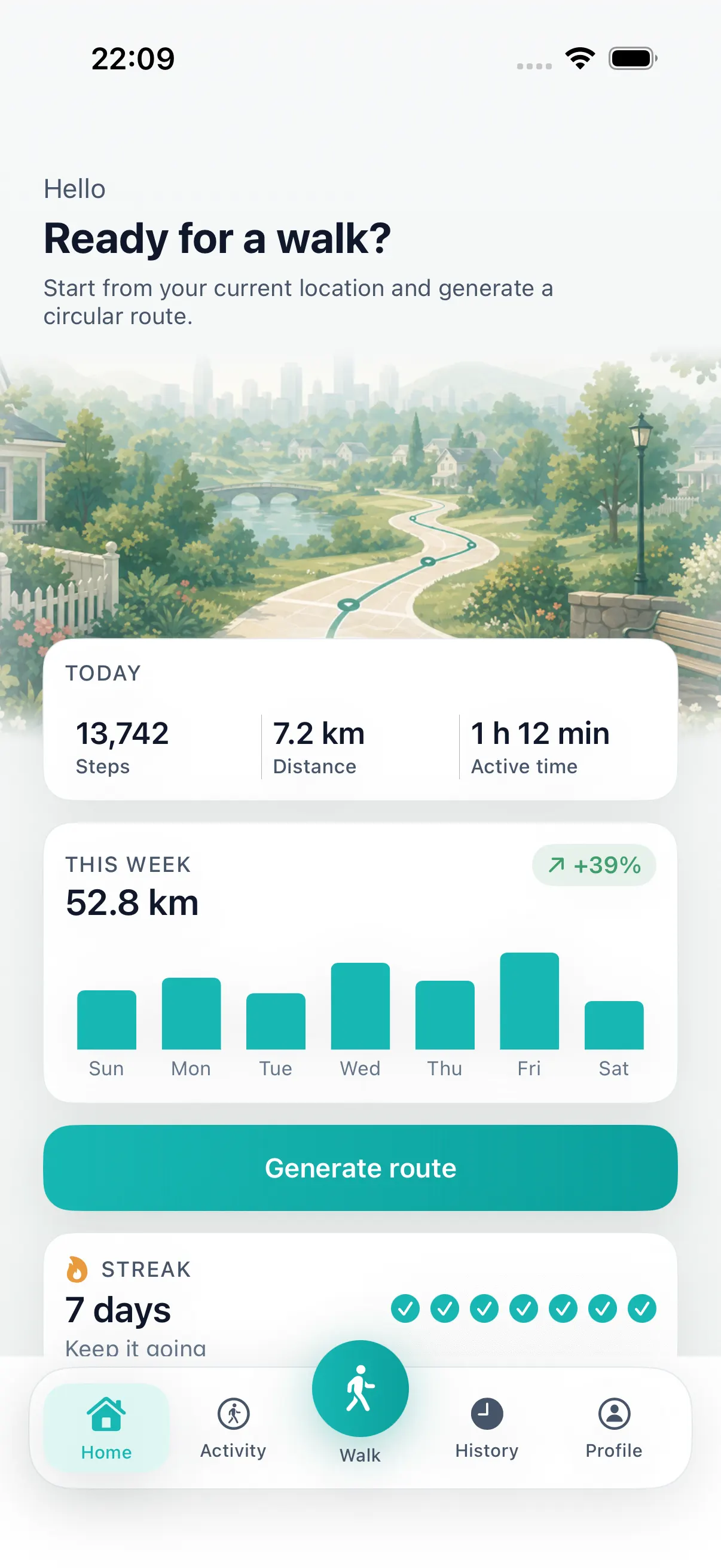
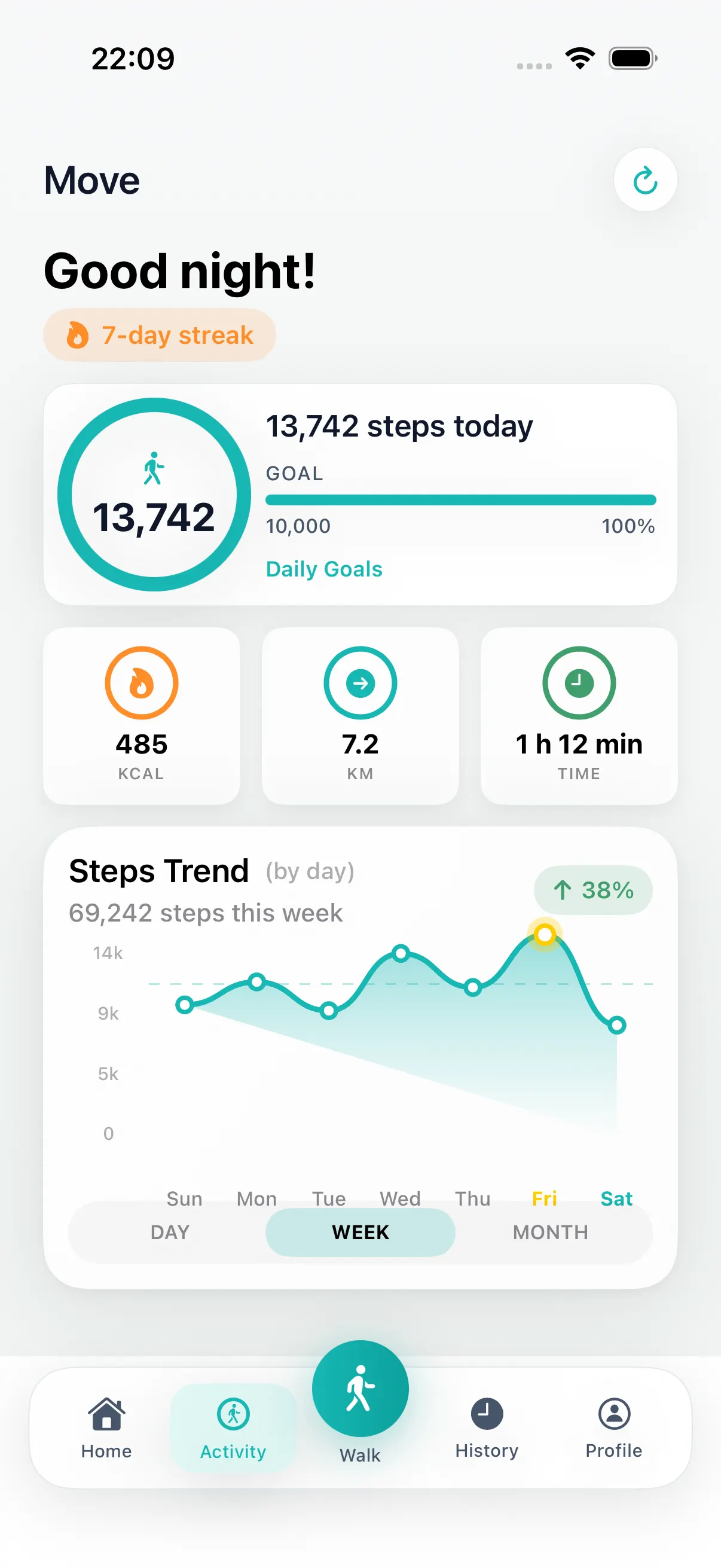
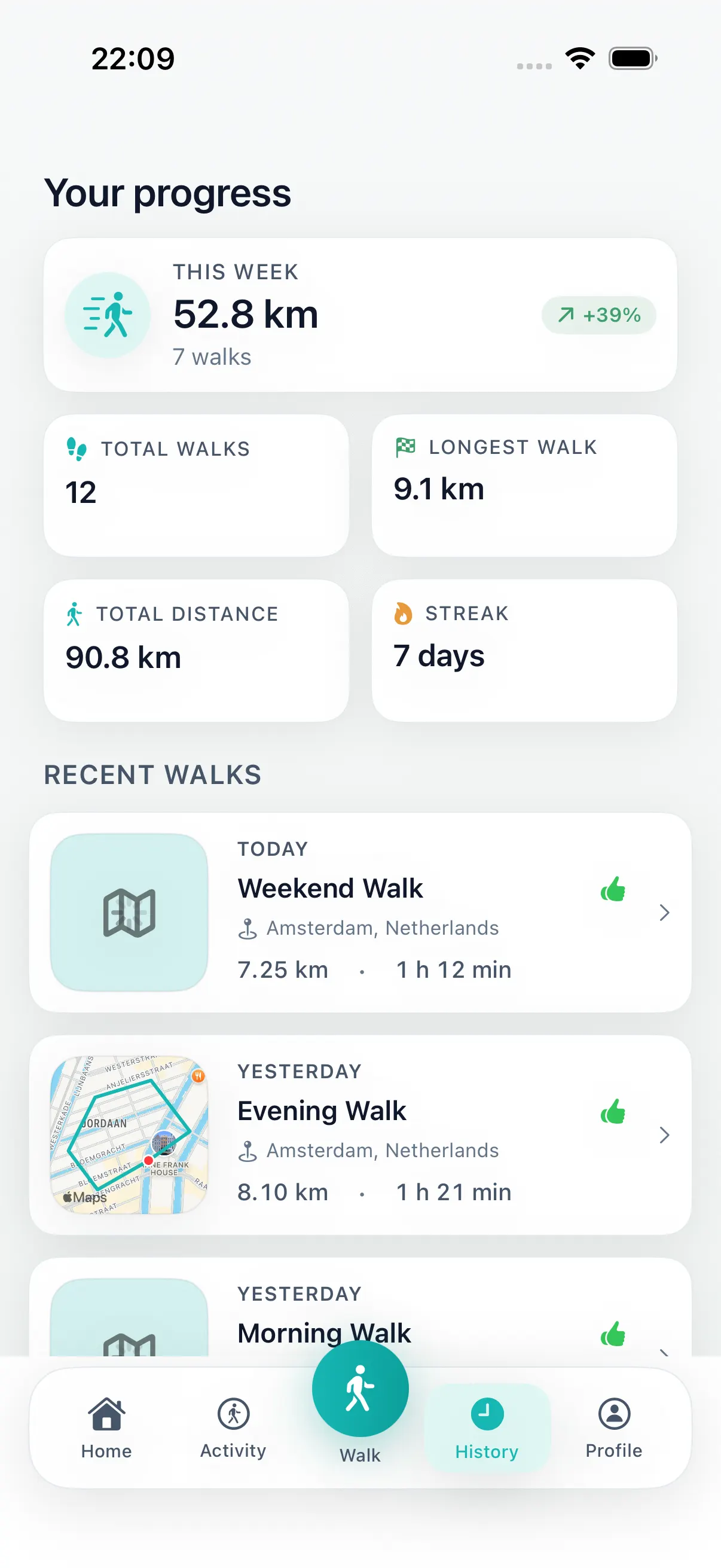
DailyWander generates several loop options so you can compare routes before starting. After the walk, the same iPhone app can show steps, distance, duration and completed-walk history. The download is free and Premium is optional.
How to plan a loop walk in five steps
The workflow should be short enough to use before an ordinary walk, not another planning task.
-
01
Choose distance or time
Set a realistic boundary for the walk you can take today.
-
02
Use the current location
Generate routes that begin near home, work, a hotel, a station or a park.
-
03
Compare loop options
Review more than one suggestion instead of accepting the first route blindly.
-
04
Start the selected route
Follow the loop and return near the point where the walk began.
-
05
Review the completed walk
Check steps, distance, duration and history, with optional Apple Health sync when permitted.
Walking route app, destination map, or travel planner?
Choose the tool around the job you need to complete. These three route-planning jobs sound similar but produce different routes.
| Use case | Best choice | Why |
|---|---|---|
| A circular walk from here | Walking route planner app | Generates a loop by distance or time and returns near the start. |
| The fastest way to a known place | Destination map | Plans an A-to-B route to an address or landmark. |
| A day of attractions and stops | Walking travel planner | Organizes a sightseeing itinerary rather than one generated exercise loop. |
What to look for in a walking route planner app
- Loop routes that begin and end near the same place.
- Distance or time controls before route generation.
- Multiple route options that can be compared before starting.
- Clear tracking for steps, distance and duration after the walk.
- A completed-walk history and optional Apple Health sync under iOS permission controls.
Three ordinary moments where it helps
At home, DailyWander can turn a vague intention into a loop before the intention fades. You do not need to decide whether to go left, head to the water, or repeat yesterday's route. Generate a few options and start the one that fits.
At work, the value is time control. A lunch walk should not become a route research task. Choosing a target distance gives the route planner a boundary, so the walk can stay inside a break instead of becoming a late return.
When traveling, the app is useful because you usually do not know the neighborhood well enough to draw a satisfying loop. Starting from your hotel or station and comparing route variants can be easier than collecting generic city guides.
The same pattern works for low-energy days. You can choose a modest distance, avoid turning the walk into a project, and still get a route that feels more intentional than circling the same block again.
What it deliberately does not try to be
DailyWander is not a race training plan, multi-day sightseeing itinerary, medical program, or emergency navigation tool. It is a route planner and walking habit app for everyday loop walks.
If you need a destination, use a map. If you want a walk that starts here, ends near here, and does not require you to design the route first, use DailyWander.
That positioning also keeps the website content honest. Route guides can inspire a trip, but product pages and planner articles should help someone solve the immediate problem: planning a useful walk on iPhone today.
FAQ
Walking route planner app questions
What is a walking route planner app?
It creates a walking route before you leave. DailyWander focuses on loop walks generated from your current location by distance or time.
Can DailyWander create a circular route near me?
Yes. With location permission, it generates loop options that start near your current position and finish near the starting point.
Can I choose how far or how long to walk?
Yes. Choose a target distance or available time, then compare the generated route options before starting.
Is DailyWander free to download?
Yes. DailyWander is free to download on iPhone. Premium is optional, and current terms are shown in the app and on the App Store.
Is this the same as a walking travel planner?
Not exactly. DailyWander creates one practical loop from where you are; a travel planner usually organizes multiple attractions or stops into an itinerary.
Is DailyWander the same app as Strolly?
No. They are separate iPhone apps from different developers. The dedicated Strolly comparison page explains the current differences.
DailyWander
Plan the next walk from where you are.
Download the iPhone app, generate a circular route, and choose the variant that fits today's walk.