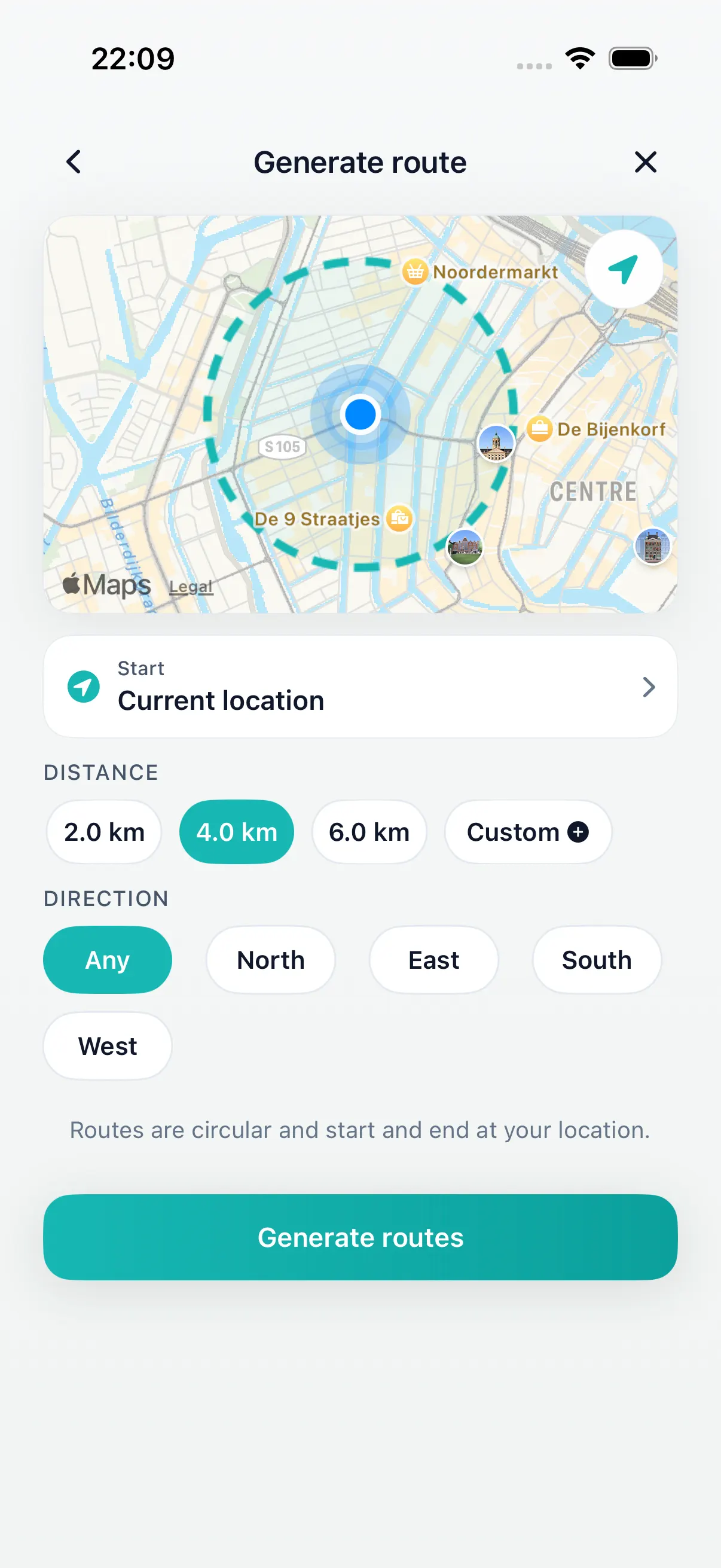
Set distance
Start with a walk that fits your time.
Walking route generator
Choose the distance or time you want to walk and Daily Wander generates varied loop-route options from your current location on iPhone. Compare them, shuffle for another route, and start walking.
Inside Daily Wander
Start with a walk that fits your time.
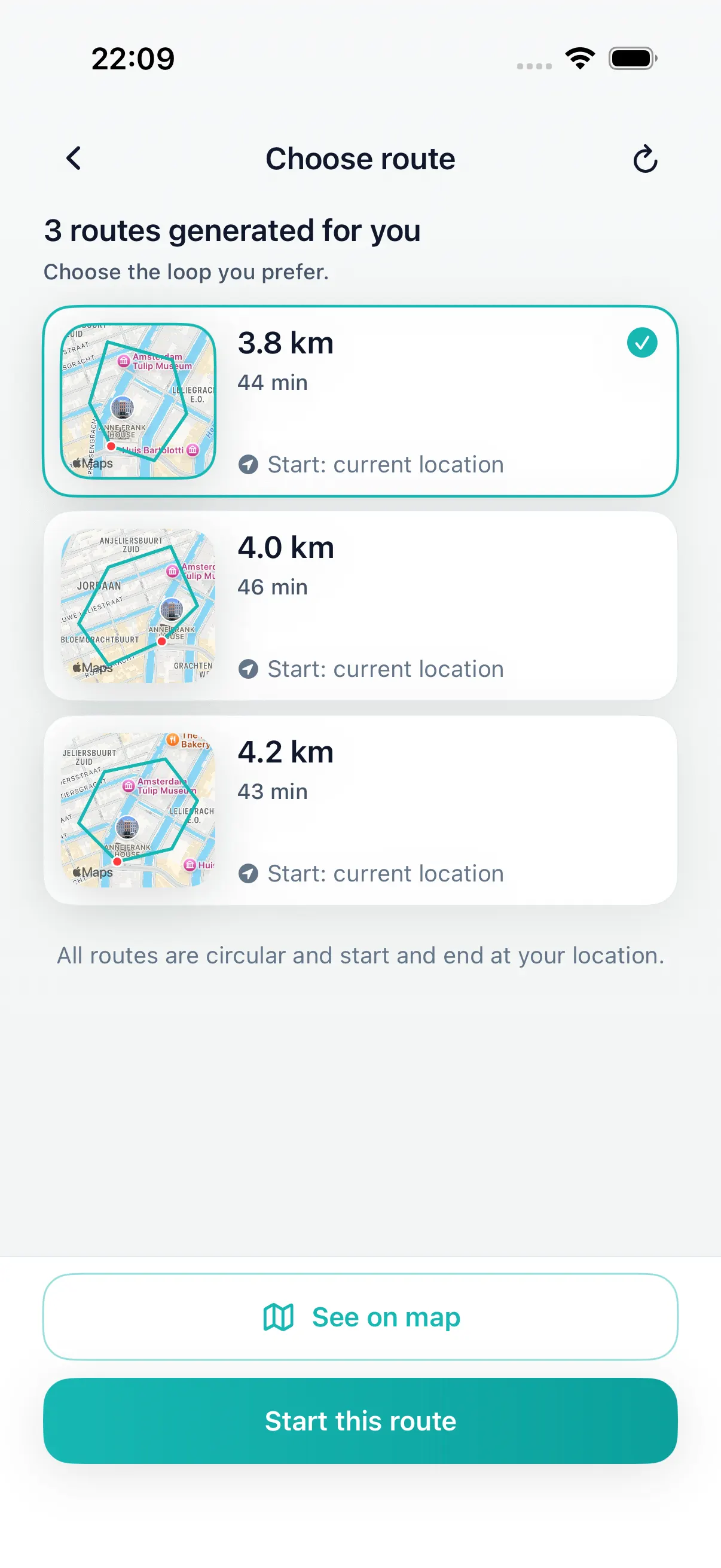
Review route options before you leave.
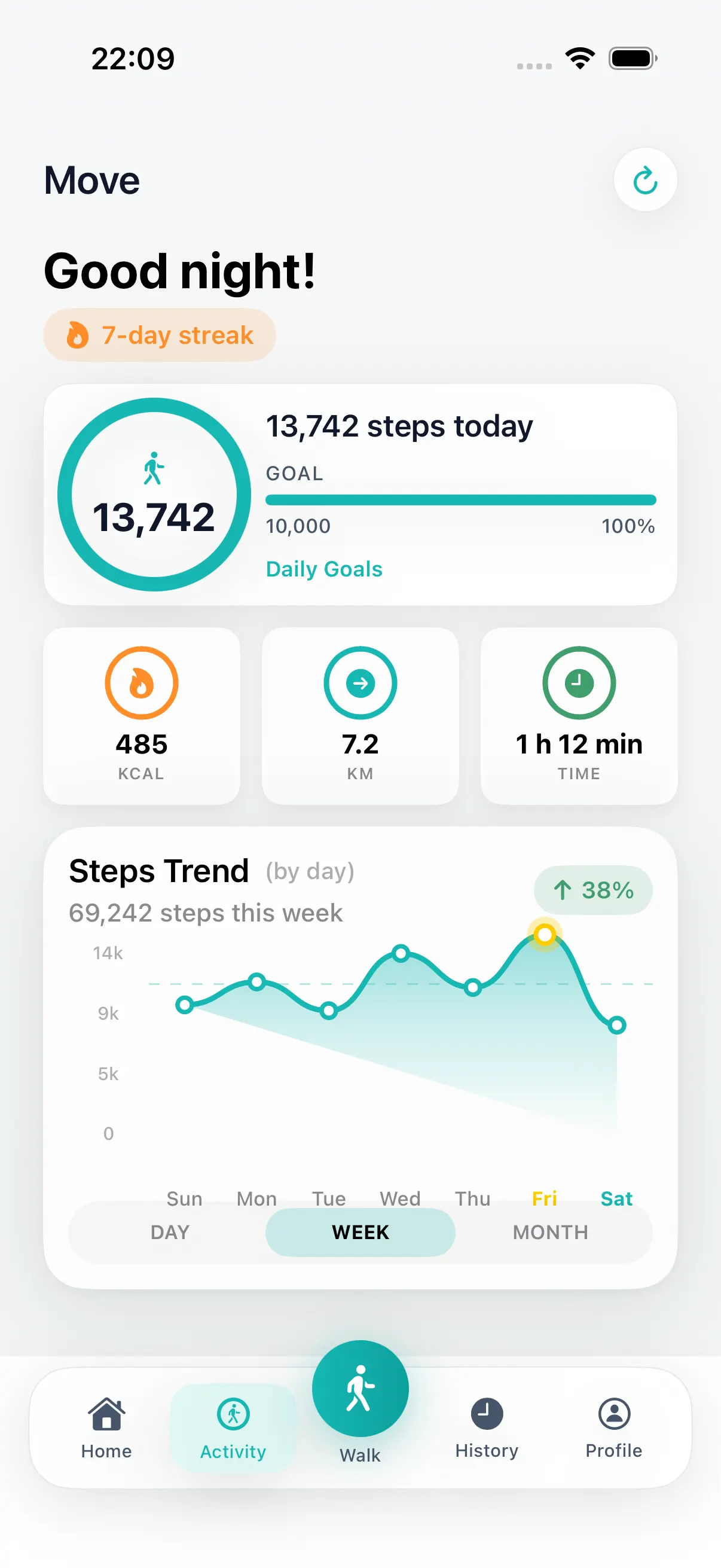
Follow the route and keep your walk history.
Why generate instead of draw
Many map tools are useful once you know the exact route. Daily Wander is for the earlier moment: you know how far you want to walk, but you do not want to design every street, path, and turn by hand.
Create a walking route
Start with the distance or time you have instead of drawing a line on a blank map. Daily Wander uses your current location to create several round-trip walking routes, making it easier to plan your walk and return near the starting point.
The generator is designed for practical loop walks rather than purely random routes. Always review the route and local conditions before starting; generated routes do not replace posted access or safety information.
Variety without guesswork
If you want a fresh route without planning every turn, Daily Wander gives you variety in a useful form. It combines your current location with a target distance or time, then creates multiple round-trip options you can compare.
Choose another option or shuffle for a different route. The result is varied, but not blindly random: Daily Wander is designed to create real mapped walks, not a mathematical random-walk simulation. Review the map and local conditions before leaving.
Free to start
Daily Wander is free to download. Premium is for walkers who want more route choice, more shuffle, direction preference, and deeper history tools.
Best for everyday decisions
Daily Wander works well for short breaks, neighborhood loops, travel days, and repeat walks where the hardest part is choosing where to go.
Generate a route around the distance you have time for.
Get fresh options from home, work, or a hotel.
Turn route choice into a quick step before the walk.
Install Daily Wander
Open the App Store link on iPhone, or scan the QR code from another device. Daily Wander is free to download, with optional Premium.
Open Daily Wander on the App Store
Explore
Comparing apps? Read our factual Strolly walking route app vs Daily Wander guide.
Choose the time window first, then generate a loop that fits.
Lunch break walk route plannerGenerate a short loop that fits a workday break.
After-dinner walk route plannerGenerate an evening loop that returns near where you started.
30 minute walk route plannerGenerate a short loop walk when you have about 30 minutes.
Daily Wander vs Google MapsCompare destination navigation with distance-first loop walk generation.
See your walking route on iPhoneFind the map of a recorded walk in Fitness, and why it can be missing.
Daily walking appUse generated routes to build a daily walking habit.
Loop walk generatorGenerate round-trip walk options from your current location.
Walking routes near me appFind route options near you by starting from your current location.
Walking route plannerPlan today's walk without drawing lines on a map.
Circular walking route plannerCreate a route that starts near you and loops back near the same place.
Loop walking route plannerCompare practical round-trip walks from your current location.
FAQ
A walking route generator creates route options for you instead of asking you to draw every turn by hand. Daily Wander uses your current location and target distance to generate practical walking loops on iPhone.
Yes. Daily Wander starts from your current location and creates walking route options around the distance you choose.
Yes. Choose the distance first, then compare generated route options before you start walking.
No. Daily Wander is built for walkers who want route options without manually tracing a route on a map.
Daily Wander generates several varied loop routes based on your location and target distance or time. Compare the options or shuffle for another route. It does not choose streets blindly at random.
No. Daily Wander creates real mapped walking loops for an actual walk. It is not a mathematical random-walk simulator.