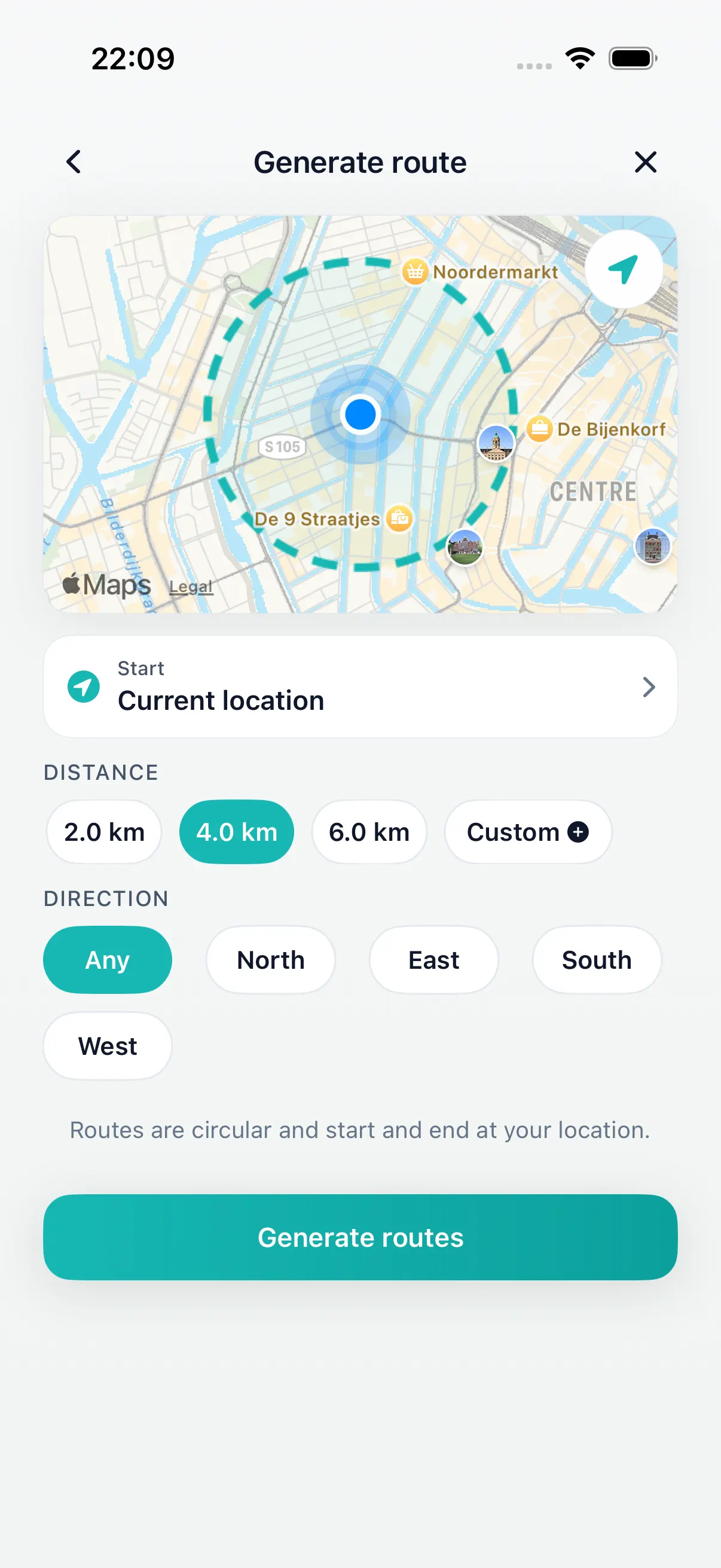
Pick distance
Start with the walk you have time for.
Circular walks near me
Most “circular walks near me” lists send you to a car park first. DailyWander plans the loop from where you are now: pick a distance or time on iPhone, compare a few circular routes, and finish close to where you began.
Inside DailyWander
Start with the walk you have time for.
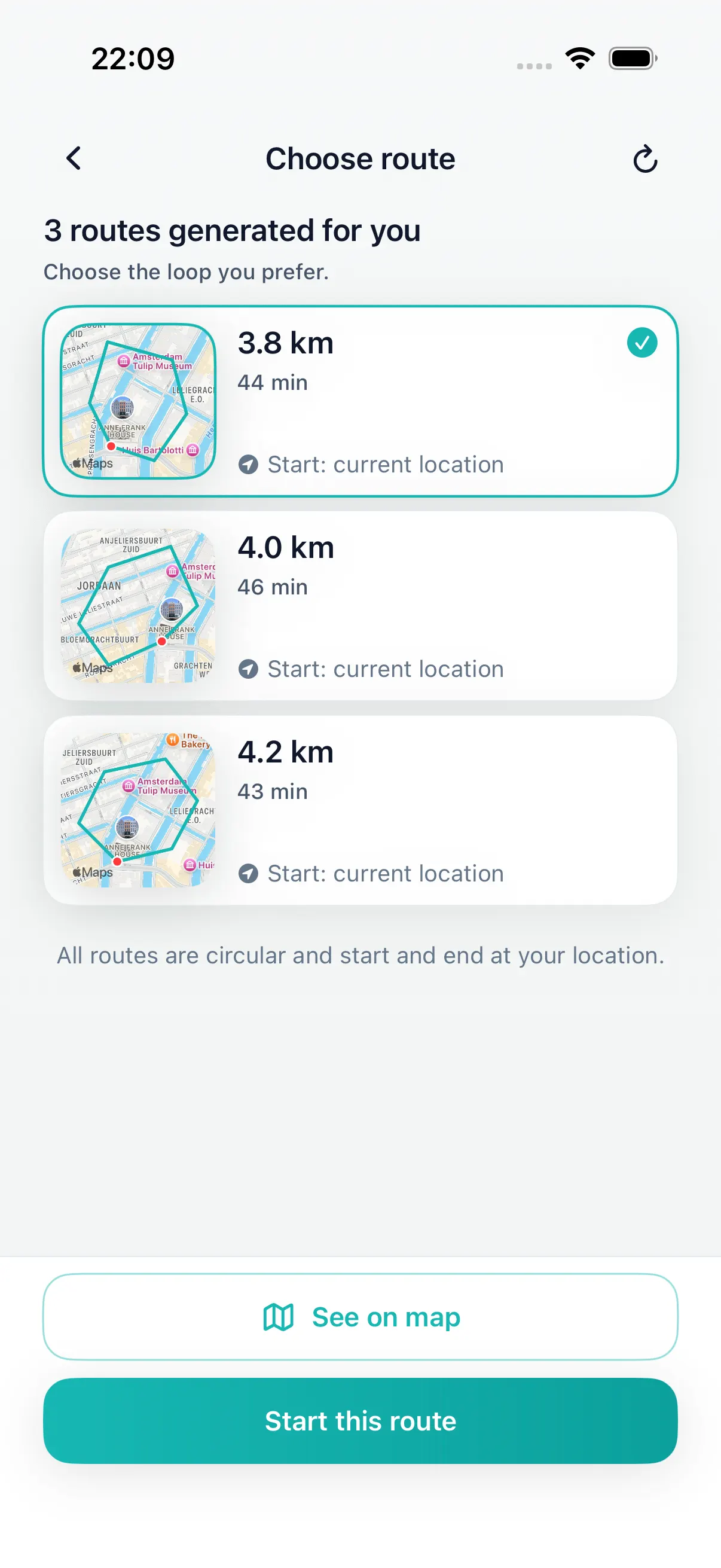
Choose a loop before you leave.
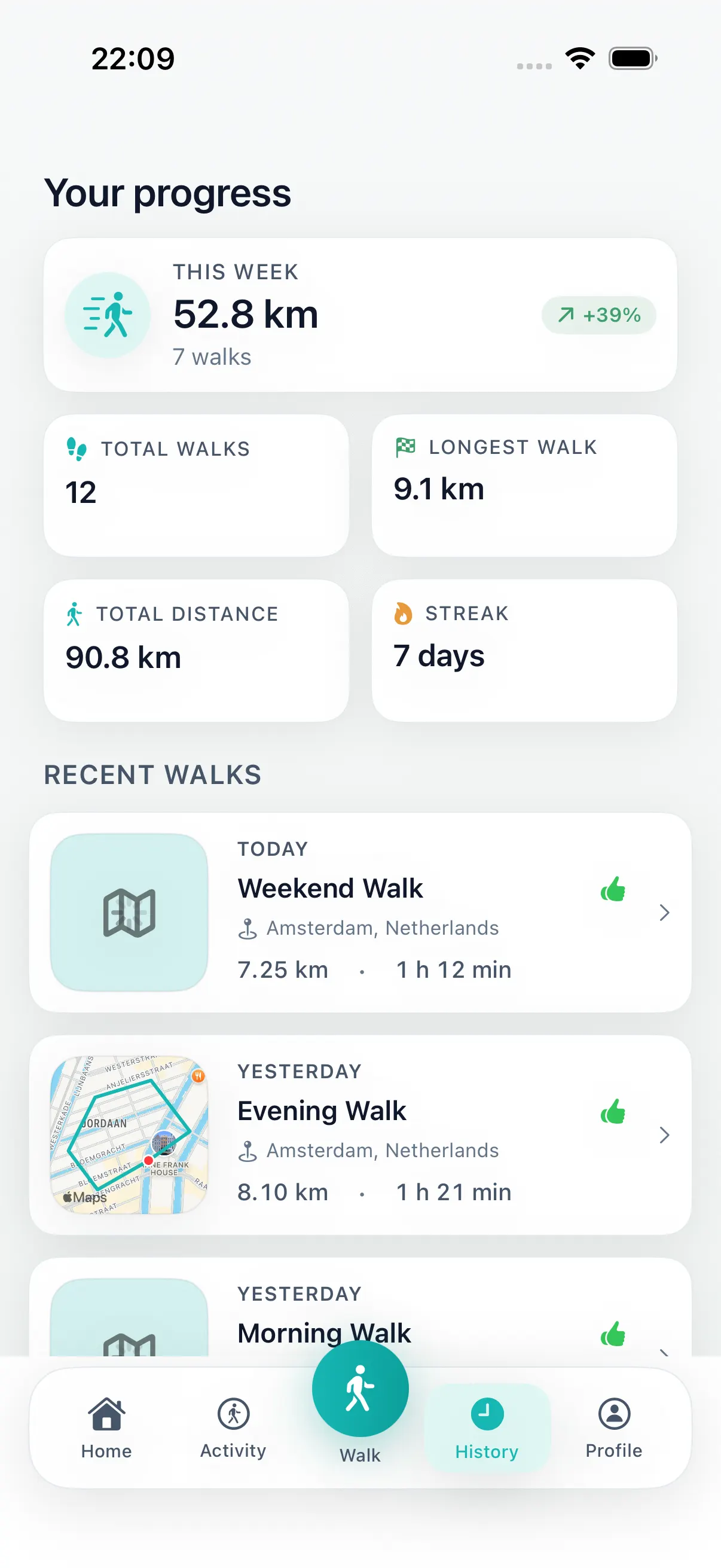
Keep distance, time, steps, and history.
Why normal maps feel awkward
A destination map works when you know where you are going. A circular walking route solves a different problem: you want to leave from here, walk a realistic distance, and come back near the start without designing the route by hand.
Easy circular walks near you
Search results for circular walks near me usually list named countryside routes — a reservoir, a beacon or a famous ridge — that start from a car park. They are great days out, but not much help when you want to step out of the front door and be back in an hour.
DailyWander works the other way round. Choose the loop length or the time you have, and the app generates several circular routes that start at your current location, so an easy circular walk near you is always the nearest one.
| Loop | Walking time | Good for |
|---|---|---|
| 1 mile (1.6 km) | about 20 min | A quick loop around the block or a lunch-break walk |
| 2 miles (3.2 km) | about 40 min | An easy circular walk on flat, familiar streets and parks |
| 3 miles (4.8 km) | about 1 hour | The classic hour-long loop after dinner |
| 5 miles (8 km) | about 1 h 40 min | A 5 mile circular walk from your house for the weekend |
| 10 km (6.2 miles) | about 2 h 5 min | A longer loop when you have the whole morning |
Free to start
DailyWander is free to download. Premium is for walkers who want more route choice, more control, and better history tools as the habit grows.
Best for everyday walking
DailyWander is built for lunch breaks, after-dinner loops, neighborhood walks, and travel days when you want a practical route without local route planning.
Pick a route that fits the time you actually have.
Get a different loop from the same door.
Create a walk from a hotel, station, or park.
Install DailyWander
Open the App Store link on iPhone, or scan the QR code from another device. DailyWander is free to download, with optional Premium.
Open DailyWander on the App Store
Explore
Follow the five-minute iPhone workflow for choosing distance, comparing loop options, and returning near the start.
Walking route planner by timeChoose the time window first, then generate a loop that fits.
Lunch break walk route plannerGenerate a short loop that fits a workday break.
After-dinner walk route plannerGenerate an evening loop that returns near where you started.
30 minute walk route plannerGenerate a short loop walk when you have about 30 minutes.
DailyWander vs Google MapsCompare destination navigation with distance-first loop walk generation.
Apple Health walking appSave completed walks and sync activity when you allow it.
Daily walking appMake generated walking routes part of a repeatable habit.
Walking routes near me appGenerate nearby route options from your current location.
Walking route generatorGenerate walking route options from your current location and target distance.
Loop walk generatorGenerate a round-trip walk that starts and finishes near you.
Walking route plannerPlan today's walk without drawing lines on a map.
Loop walking route plannerCreate round-trip walks that start and finish near the same place.
FAQ
A circular walking route starts near your current location and returns near the same place, so it works well for everyday walks, lunch breaks, and after-dinner loops.
Yes. DailyWander uses your current location and target distance to create loop walking route options on iPhone.
Yes. Pick the distance you have time for, then compare generated route options before you start walking.
Google Maps is best when you know the destination. DailyWander is designed for the earlier question: where can I walk from here and end up back here?
Open DailyWander on iPhone, allow location access and choose a distance or walking time. The app creates several circular routes that start and finish near where you are, so you can pick one and start walking without driving to a trailhead.
Yes. Choose 5 miles (8 km) or about 1 hour 40 minutes and DailyWander generates loop options from your current location. Compare the maps and pick the route that suits today.
The routes follow streets, paths and parks near you rather than mountain trails. Start with a 1 to 2 mile loop and check the route map for hills or busy roads before you set off.