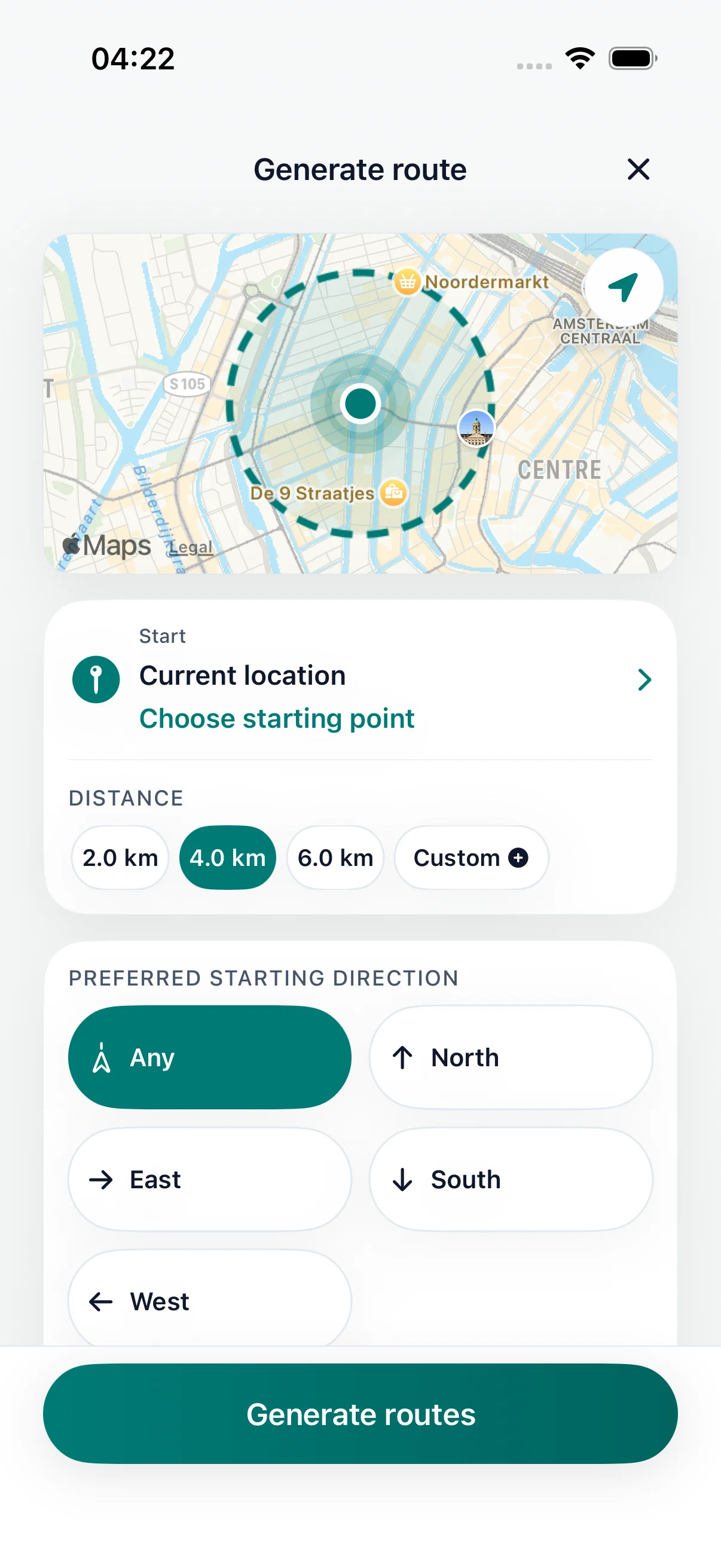
Set distance
Choose distance or time
walking route planner Australia
Plan an everyday walk in Australia from your current location. Choose kilometres or walking time, review the proposed loop on iPhone, then finish near your starting point. Try the browser calculator first if you are unsure how far to go.
Choose a researched city outing, or use the app to generate a separate loop from where you are. Each guide explains the starting area and return plan.
At an example pace of 4.8 km/h, before stops: 15 minutes is about 1.2 km, 30 minutes about 2.4 km and 45 minutes about 3.6 km. A 3 km loop takes roughly 38 minutes of moving time. Allow extra time for crossings, hills, heat and breaks.
Estimate a distance from your available minutes or work out the walking time for your kilometres. The calculator runs in your browser; it does not generate a map or open a pre-filled route in the app.
Try a short neighbourhood loop during a break, a park walk from a nearby entrance, or a waterfront circuit from your accommodation. Confirm that the suggested paths are open and accessible; a generated route does not establish public access or current conditions.
For an outdoor walk in NSW, the NSW Government walking map can help you explore options. Check the responsible park or local authority for the walk’s current details.
DailyWander
Choose distance or time
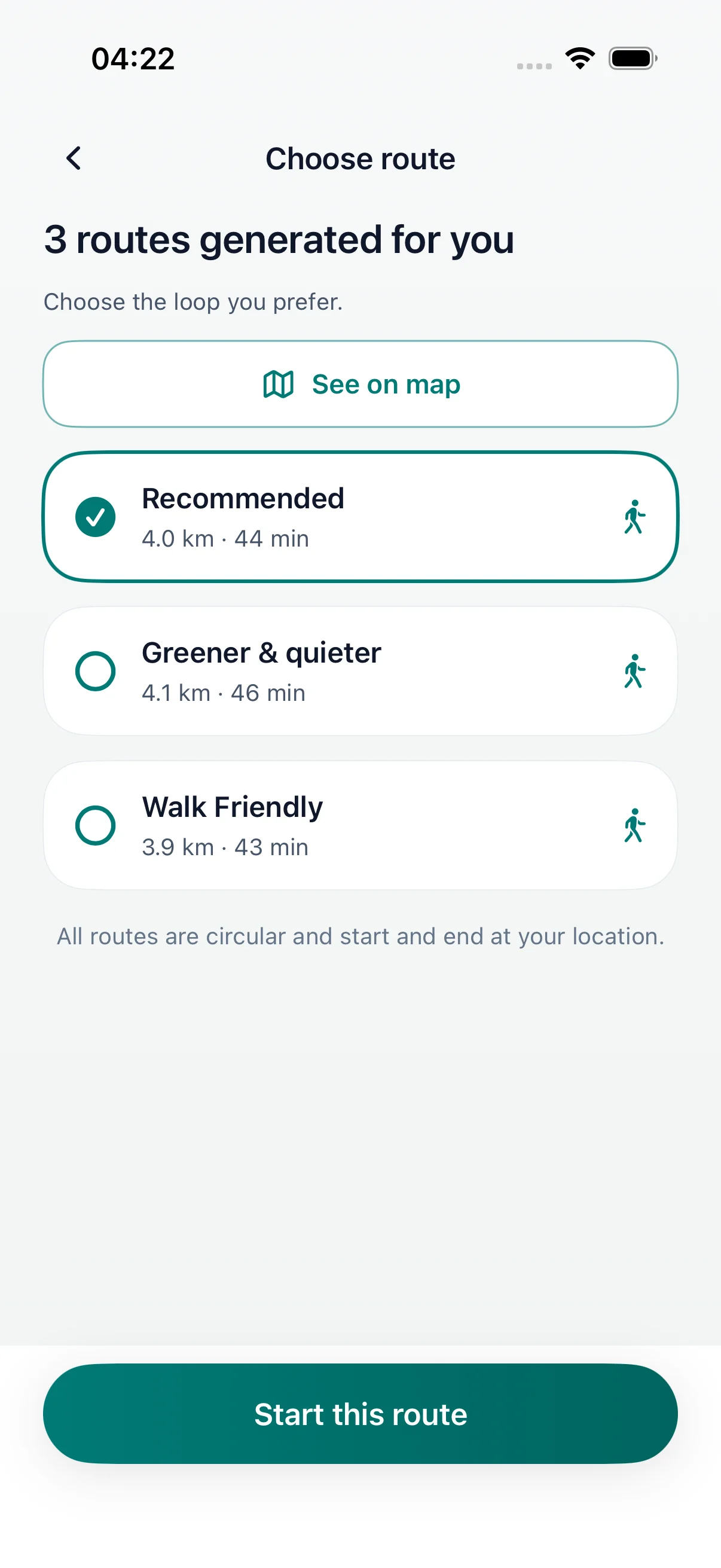
Loop routes from your current location
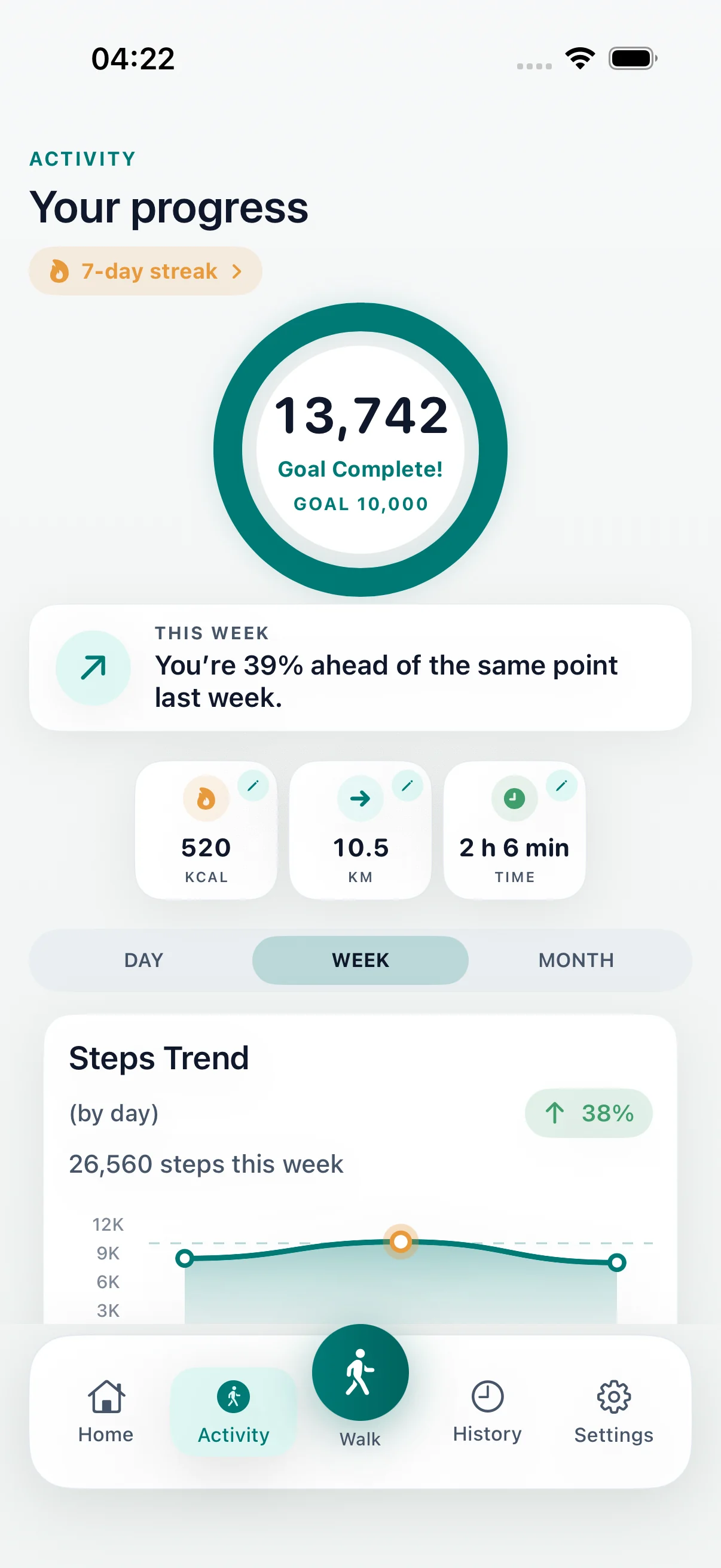
Compare routes and save your walk
DailyWander
Plan a loop walk in Australia on iPhone. Choose kilometres or walking time, estimate your distance in the browser and review a route from your current location.
Plan a walk
Choose a distance or available time and DailyWander maps several loop-walk options from your current location. Compare the route shapes before leaving, choose the best fit, and finish near where you started.
DailyWander is designed for everyday city, suburb, park, neighbourhood, and travel-base walks in Australia. For demanding terrain, closures, access rules, or safety planning, check current official and specialist resources too.
Best fit
The practical DailyWander fit in Australia is a walk around where you already are: city blocks, waterfronts, suburbs, parks, campuses, and travel stays.
For a bushwalk, check the relevant park authority’s track information, access and closures before setting out. Choose a walk that suits the conditions and your experience, and make a separate safety plan for remote areas.
Explore
Plan loop routes from your current location.
Walking route generatorGenerate route options automatically instead of drawing them.
Walking routes near meFind a practical route from where you are now.
Loop route plannerCreate a round trip that returns near your start.
Walking app for iPhoneCombine route planning, walk history, and optional Apple Health sync.
FAQ
Yes. DailyWander can create loop walking route options from your current location in Australia where route data is available.
Choose your distance or available time in DailyWander, generate several loop options from your current location, compare the maps, and select the route that suits your walk.
No. DailyWander focuses on generating practical loop walks from where you are, rather than browsing a complete trail catalogue.
Yes. Choose a distance first, then compare generated route options before starting.
DailyWander is free to download on iPhone. Premium is optional and expands route and history features.
The browser calculator estimates numbers. To create a circular walking route and review its map, open DailyWander on iPhone and choose your distance or available time. Your calculator entries are not transferred automatically.
For directions to a particular destination, use pedestrian directions in a mapping app. DailyWander is designed to suggest circular walks that return near your starting point. Review the route and local access conditions before setting off.