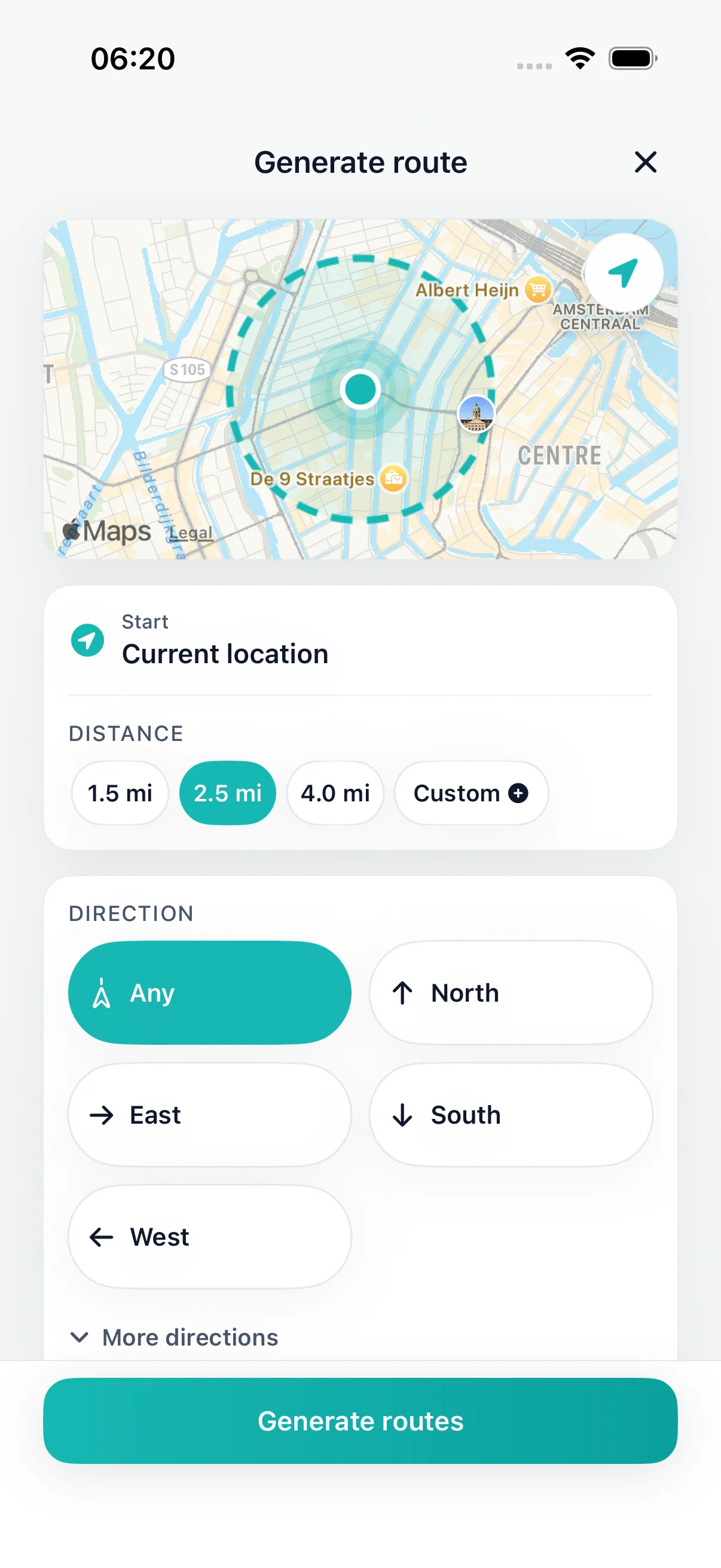
Set distance
Loops from your current location
Long walks near me
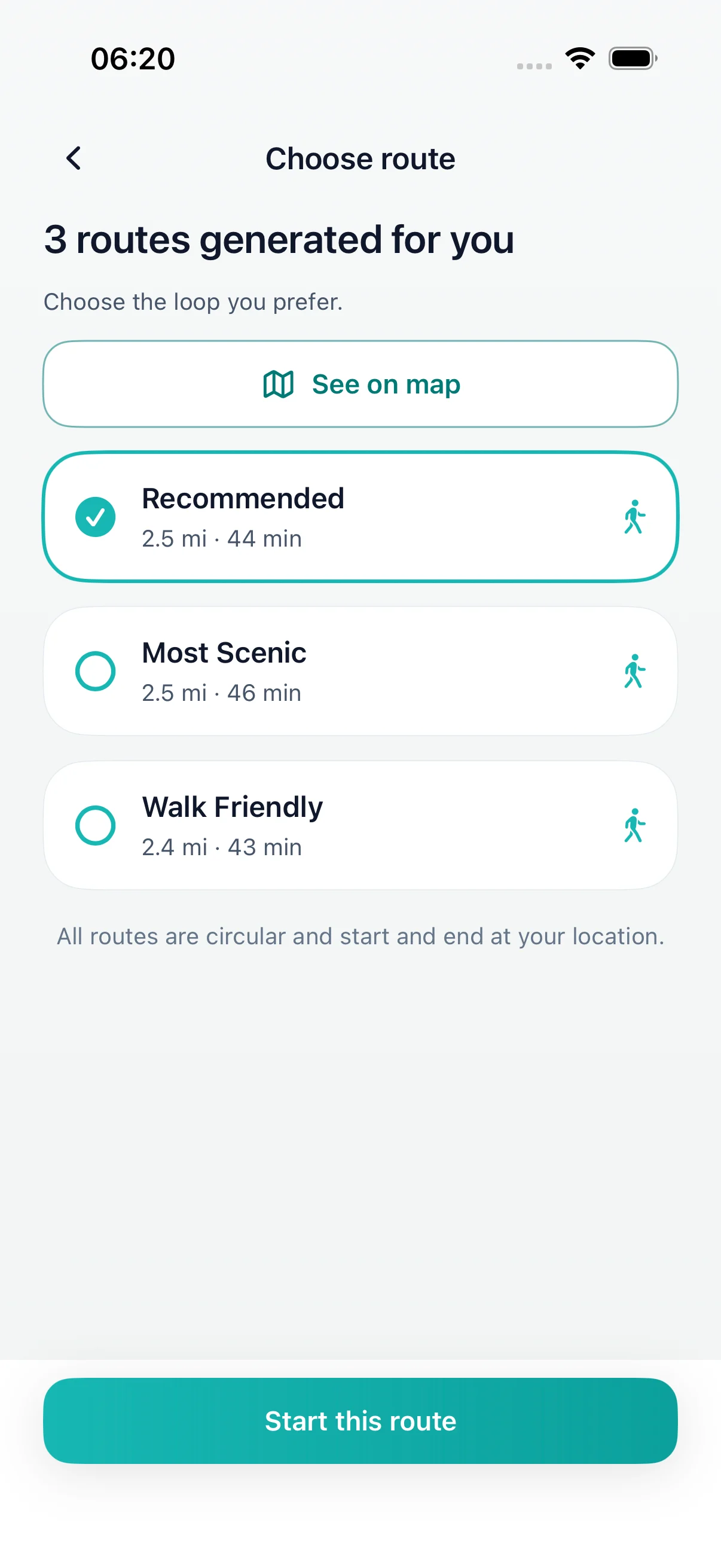
Pick how far you want to go, up to about 12 miles, and DailyWander generates several circular routes from where you are. Compare them on the map, choose one and finish back near where you started.
DailyWander
Loops from your current location
Any distance up to 20 km (about 12 miles)
Compare several routes before you go
DailyWander
Want a long walk without planning the route? Choose 5, 6 or 10 miles and DailyWander creates circular walks from your location on iPhone, back near your start.
Choose the distance
A long walk is easier to start when the route is already planned. Choose a distance, or set your own up to 20 km (about 12 miles), and DailyWander creates several round-trip options from your current location.
Compare the maps before you leave. If none of them suits the day, generate a new set. Save the loops you like so you can walk them again.
Before a long walk
DailyWander plans general walking routes from map data. It does not check trail conditions, closures, opening times or whether a path suits your fitness. Check the map before you set off, especially near water, busy roads or in the countryside.
Tell someone where you are going on longer walks, carry water and a charged phone, and leave enough daylight to finish.
On the walk
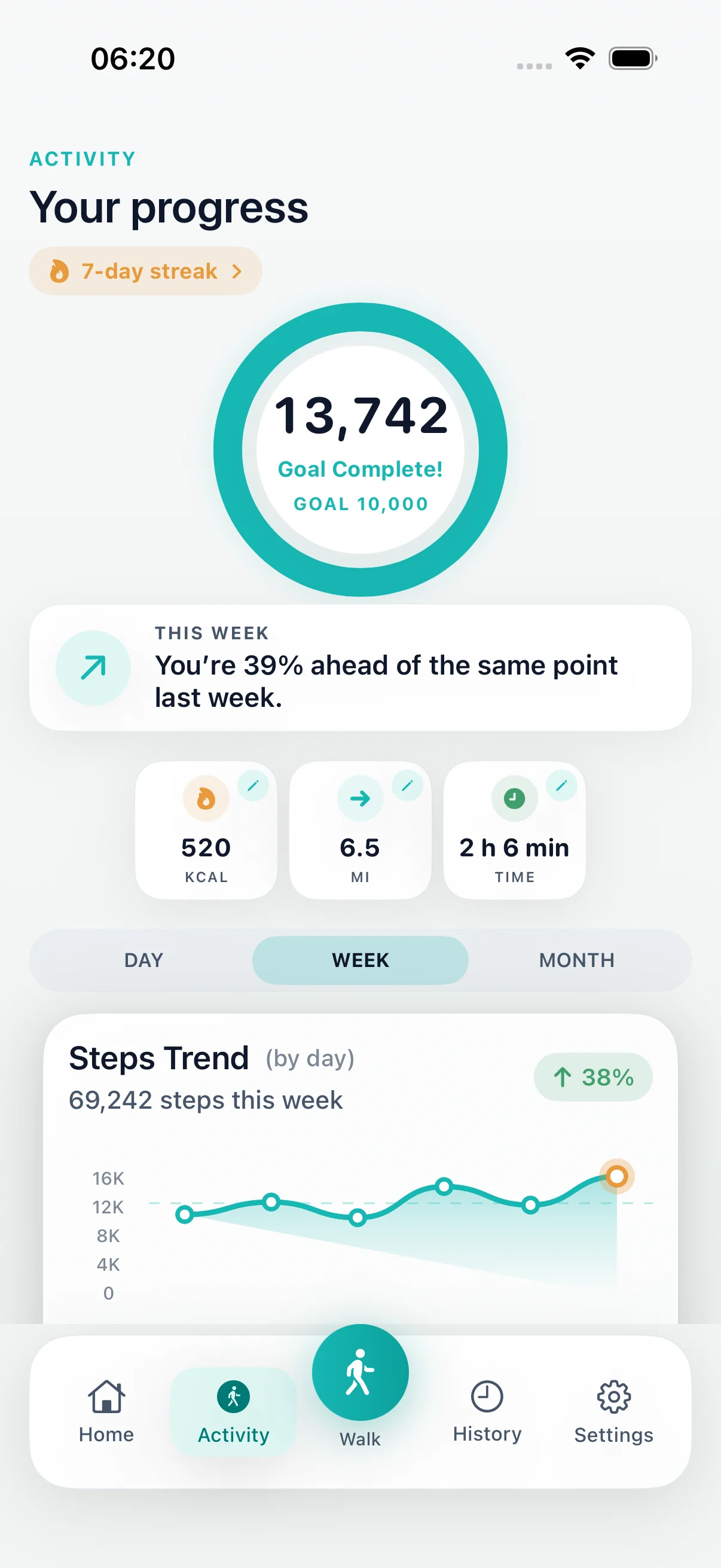
Follow the route on your iPhone, then see distance and time in your walk history. Connecting Apple Health is optional.
DailyWander is free to download on the App Store for iPhone. Premium is optional.
Explore
FAQ
You can choose any distance up to 20 km, about 12 miles. The app then creates circular routes of roughly that length from your current location.
Yes. Each route starts and finishes near where you are, so you finish close to home without walking back the same way.
No. It plans general walking routes from map data. Check the route on the map and follow local signs, especially in the countryside.
DailyWander is free to download on the App Store. Premium is optional.